BubbleText AI text bubble generator for editable photo, message and comic dialogue workflows
The visual story lettering studio

AI Text Bubble Generator Online

For photos, messages, comics and manga

Put the right words in the right picture.

Upload an image or comic page, add editable dialogue, protect faces and story details, then export a clean PNG or continue into mapped, multi-page production.

Up to 3 pages on FreeWatermark-free 1x PNGPrivate by defaultNo card required
The story starts here.And ships from here.
Photo + message bubble creationComic + manga speaker mapping and Auto LetteringLocalization editable language versionsPreflight + delivery PNG / SVG / PDF / ZIP
Working text bubble generator

Create and download a clean PNG with our online text bubble generator.

Use the included scene or upload your own image. Add one editable line, choose the right bubble style, keep faces and focal details clear, then export the finished PNG.

Quick Creator / Output 01Live local preview
Drag the bubble
Faces, hair and artwork remain clear1200 x 800 / PNG ready
One image / one editable line

Build the first useful result

The starter scene is ready. Nothing is uploaded until you deliberately choose a local image.

27/120
Bubble meaning5 editable forms
Starter visual systemStudio clean
Tail directiondown-right
38%
Background sourceLocal only

Starter scene ready

Images remain in this browser unless you explicitly save a project to the cloud.
Text bubble generator workflows

Free AI text bubble generator tools for photos, messages and comics.

Add editable speech bubbles to photos, build brand-neutral message conversations, or map comic dialogue to characters with Auto Lettering and production-ready export controls.

Compare production templates
Editable production templates

Editable text bubble generator templates for comics, Webtoons and localization.

Built for real production, not fixed sample images. Bring original artwork and a labelled script. Each template creates an editable project with format-specific speaker mapping, reading order, bubble geometry, typography and delivery checks.

North-grid relay / Production preview
Creator
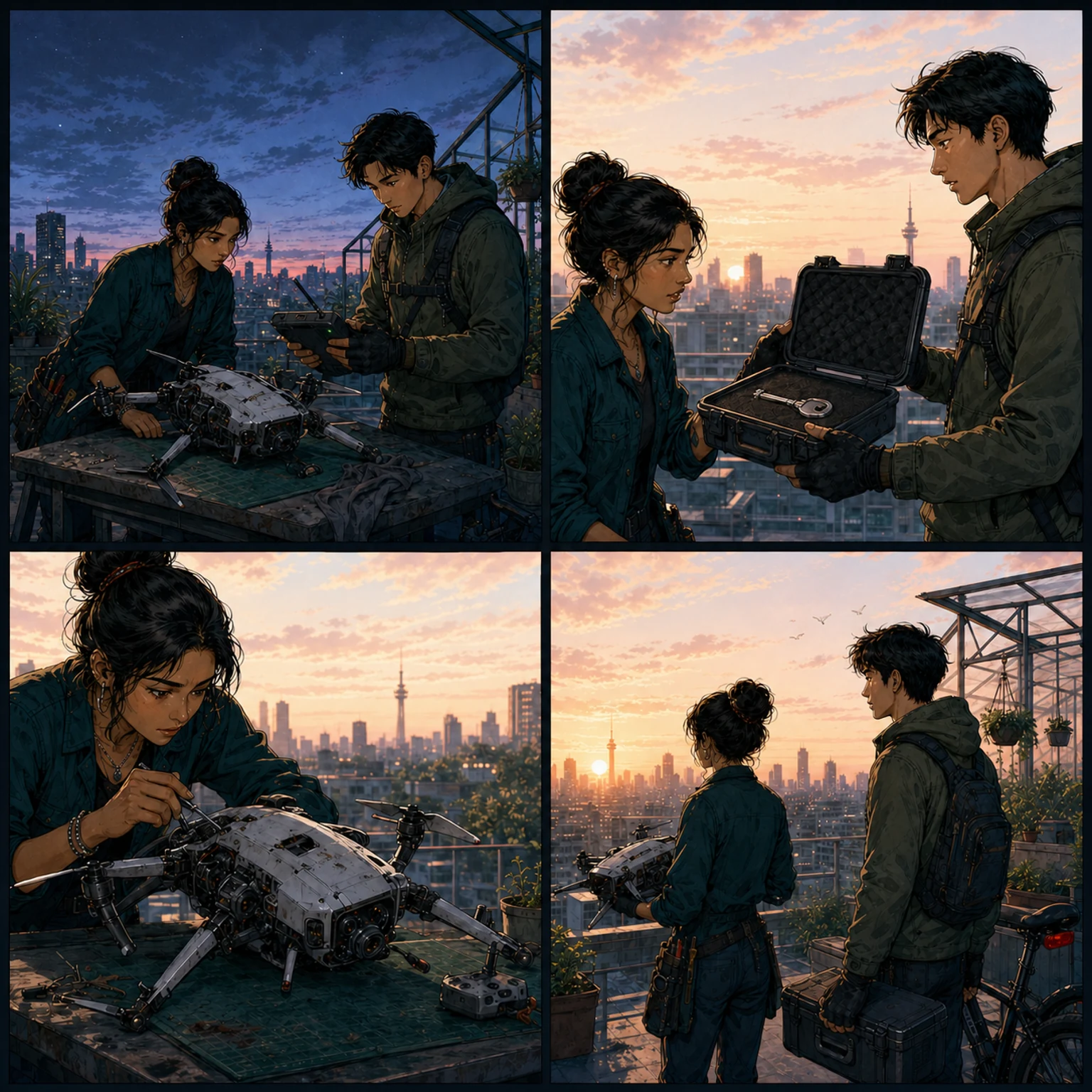
Comic speech bubble template with character mapping, four linked story beats and editable Auto Lettering
AYA - 01The north-grid relay failed before sunrise.REN - 02This sealed case contains the replacement flight key.AYA - 03Keep the drone grounded until I verify the signature.REN - 04Then we deliver the proof before the city wakes.
Panels4 story beatsCastAYA + REN linkedOrder01 - 04 verifiedOutputEditable comic
Comic production / Creator01

Character-aware comic production

Bring a comic page and a speaker-labelled script. This comic speech bubble template maps four story beats to the right characters and panels, then creates an editable Auto Lettering pass for refinement and delivery.

Story beats4 panelsSpeaker roles2 mappedDelivery1 editable comic
You bring
One four-panel comic page and a speaker-labelled script.
Template resolves
Panel links, character roles, reading order, editable bubble geometry and a comic lettering system.
You control
Tail refinement, typography, translation, Project Preflight and production export.
  • Speaker-linked dialogue
  • Editable reading order
  • Preflight-ready output
Non-destructive workflowArtwork, dialogue and layout remain separately editable.
Webtoon episodeCreator
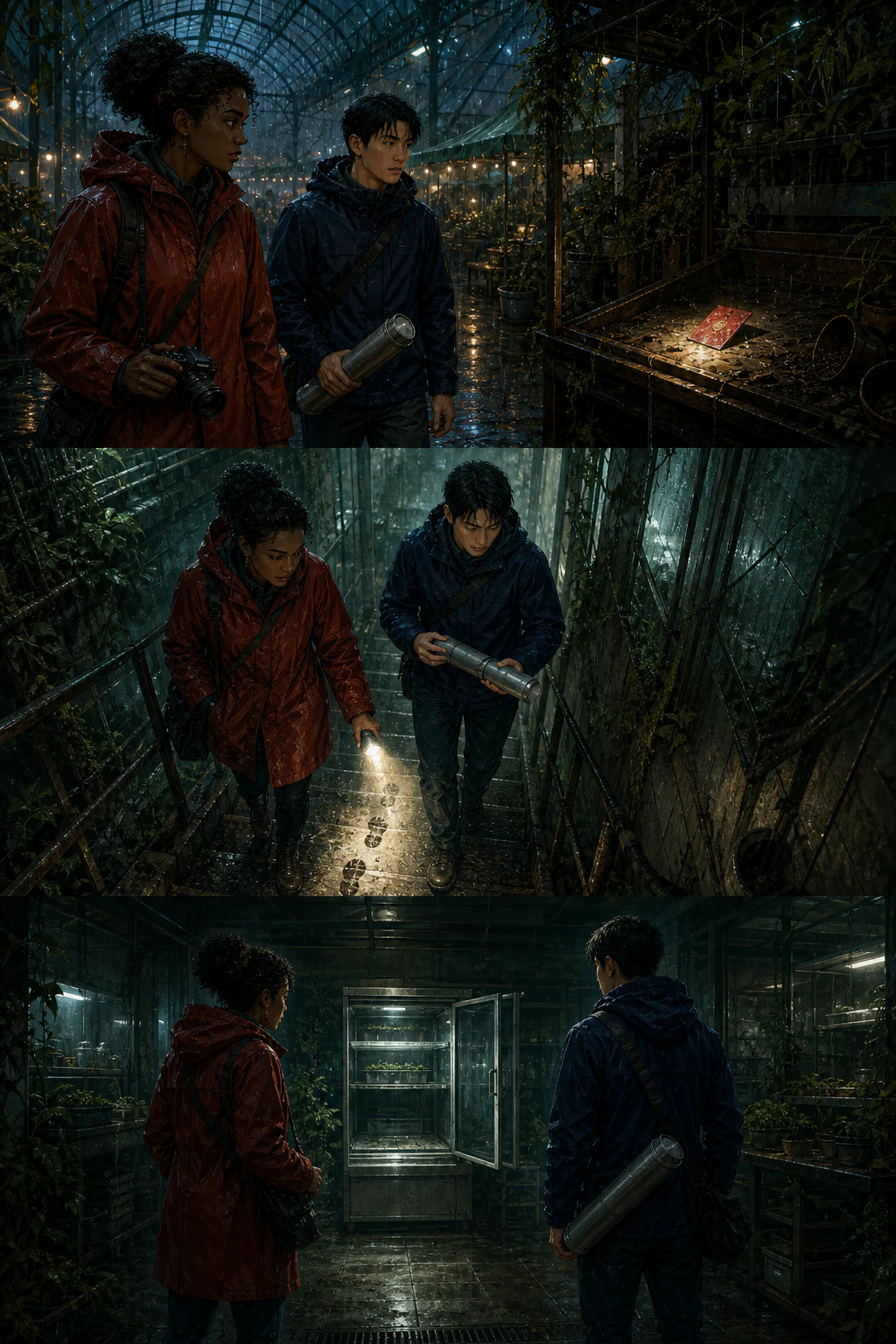
Webtoon speech bubble template with three delivery slices, six panel-linked dialogue lines and mobile-safe spacing010203
  1. Nora · 01The red card was planted.Jin · 02Then we use the service tunnel.
  2. Nora · 03The footprints continue below.Jin · 04Torch low. The cameras may still work.
  3. Nora · 05The chamber is open.Jin · 06Hold the reveal. Let this panel breathe.
Episode draft3 panels · 6 linked lines
  1. Panels01 → 02 → 03Visual beats detected
  2. DialogueNora · JinReading order preserved
  3. SpacingMobile safeNo face or reveal overlap
Delivery readyEditable 1200px slicesCompact · Standard · Cinematic pacing
InputVertical strip + ordered scriptActual resultPanel-linked delivery slices
For Webtoon creators and small studios02

Webtoon episode dialogue flow

Turn a vertical Webtoon episode and ordered script into editable speech bubbles linked to each visual beat, with mobile-safe spacing and delivery slices.

You bring
One long strip and up to twelve ordered dialogue lines.
Template builds
Delivery slices, panel links, speaker anchors and mobile-safe spacing.
You receive
An editable episode draft prepared for paced slice delivery.
  • Configurable slice height
  • Panel-linked dialogue
  • Webtoon export workflow
Localization workspacePro
Multilingual speech bubble localization template with Simplified Chinese CJK typesetting and reviewed dialogue
Locale exampleAnimation storyboard
林岚 · 01

最终分镜将在今晚完成审核。

周凯 · 02

发布前,再检查一次对白排版!

Left to right; CJK metrics; text fit passed; Approved
SceneAnimation storyboardCast林岚 + 周凯Active outputZH-CN · Editable
Examples3 themed scenes + source scriptsActual resultLanguage-specific editable layouts
For localization teams and studios03

Multilingual localization workspace

Create editable multilingual speech bubble layouts with language-specific typography, reading direction, text fit and review status across distinct visual projects.

You bring
Artwork, source dialogue and a target locale for each production.
Template builds
Repeatable language layouts with CJK metrics, RTL flow and review state.
You receive
A review-ready editable localized layout for every visual project.
  • Locale example portfolio
  • CJK and RTL typography
  • Review-ready delivery
Editable text stays separate from the image until exportFace-safe layout keeps expressions and key details visibleSpeaker mapping connects comic lines to the right characterProject Preflight catches overflow, overlap and unsafe delivery
Professional dialogue production

Professional text bubble generator workflow
for production-ready dialogue.

Link source artwork and labelled dialogue, build an editable layout, protect faces and focal details, then run Project Preflight before export.

  1. 01

    Bring the source

    Upload a photo, message exchange or comic page with a speaker-labelled script.

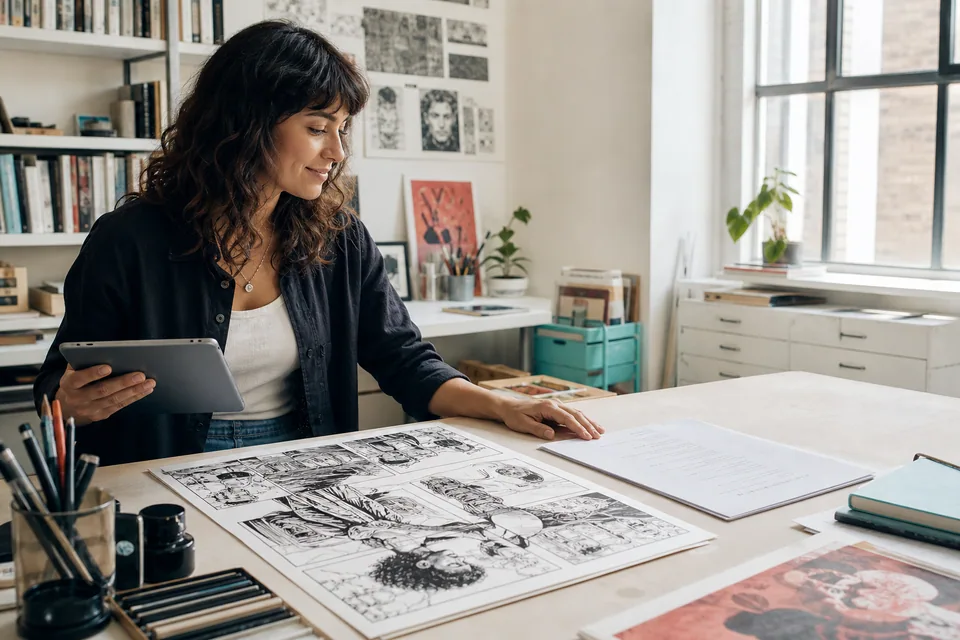
    Comic creator loading original artwork and a dialogue script into a production workflow
  2. 02

    Build the first layout

    Place one bubble or create an editable Auto Lettering draft with reading order intact.

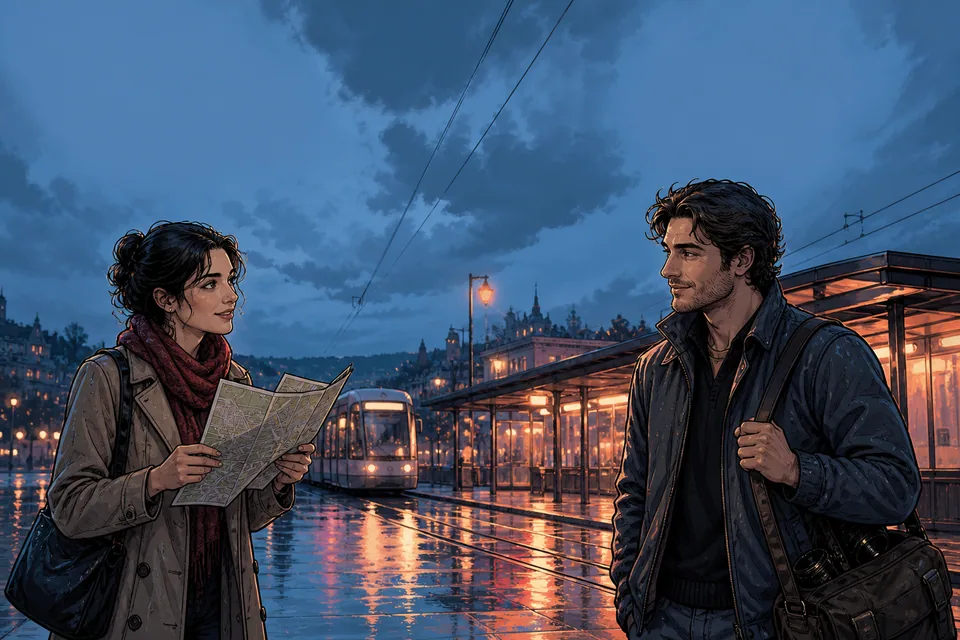
    Graphic novel tram scene with two characters prepared for an editable dialogue layout
  3. 03

    Protect the picture

    Refine text fit and tail direction while keeping faces and focal details clear.

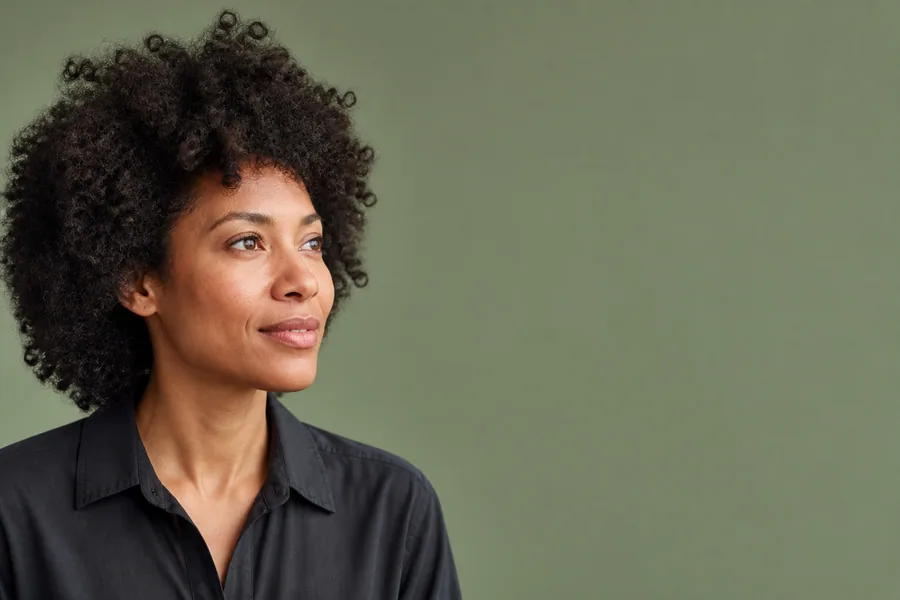
    Ceramic artist portrait composed with clear space for a face-safe speech bubble
  4. 04

    Check and export

    Run Project Preflight, resolve delivery risks and export production-ready files.

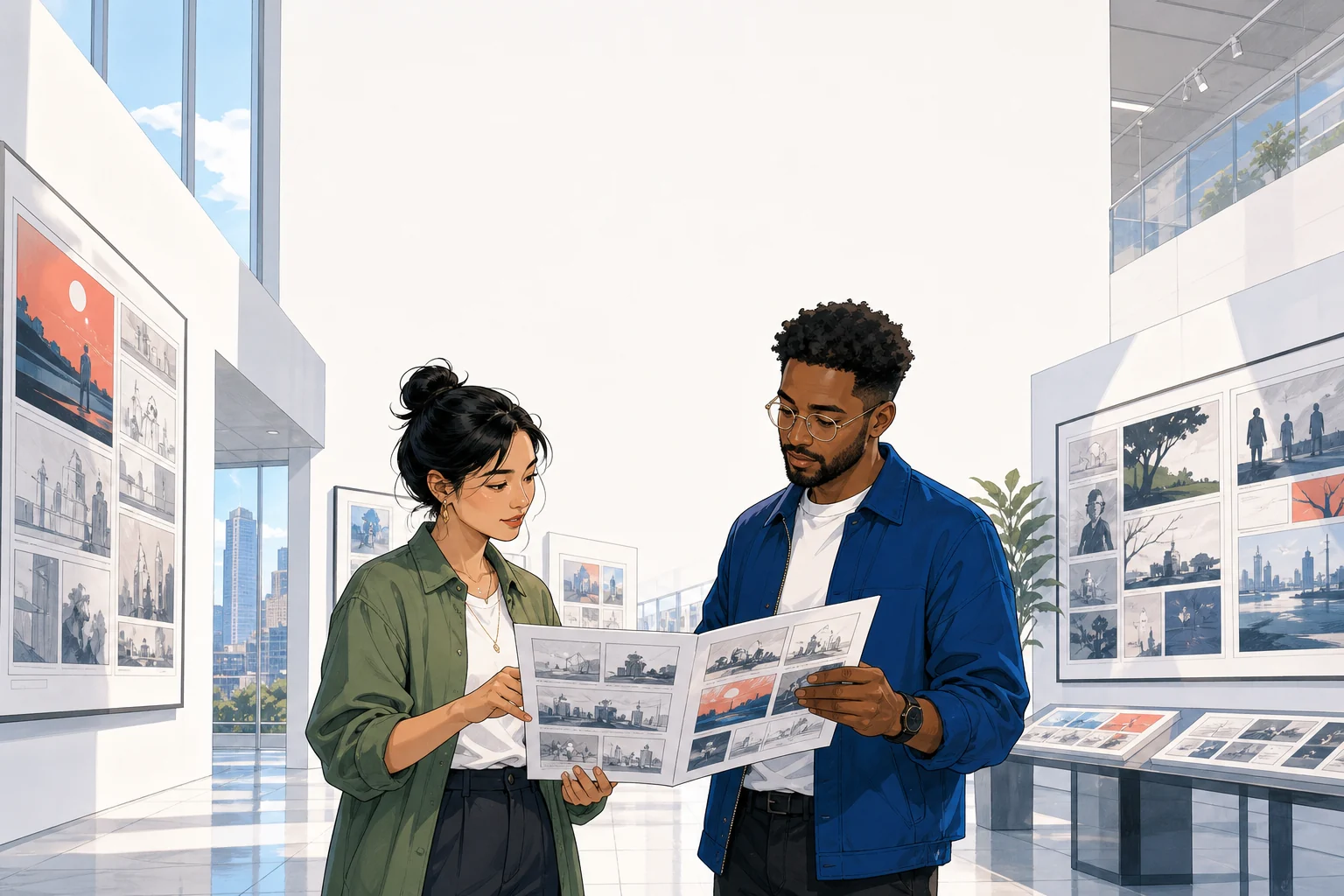
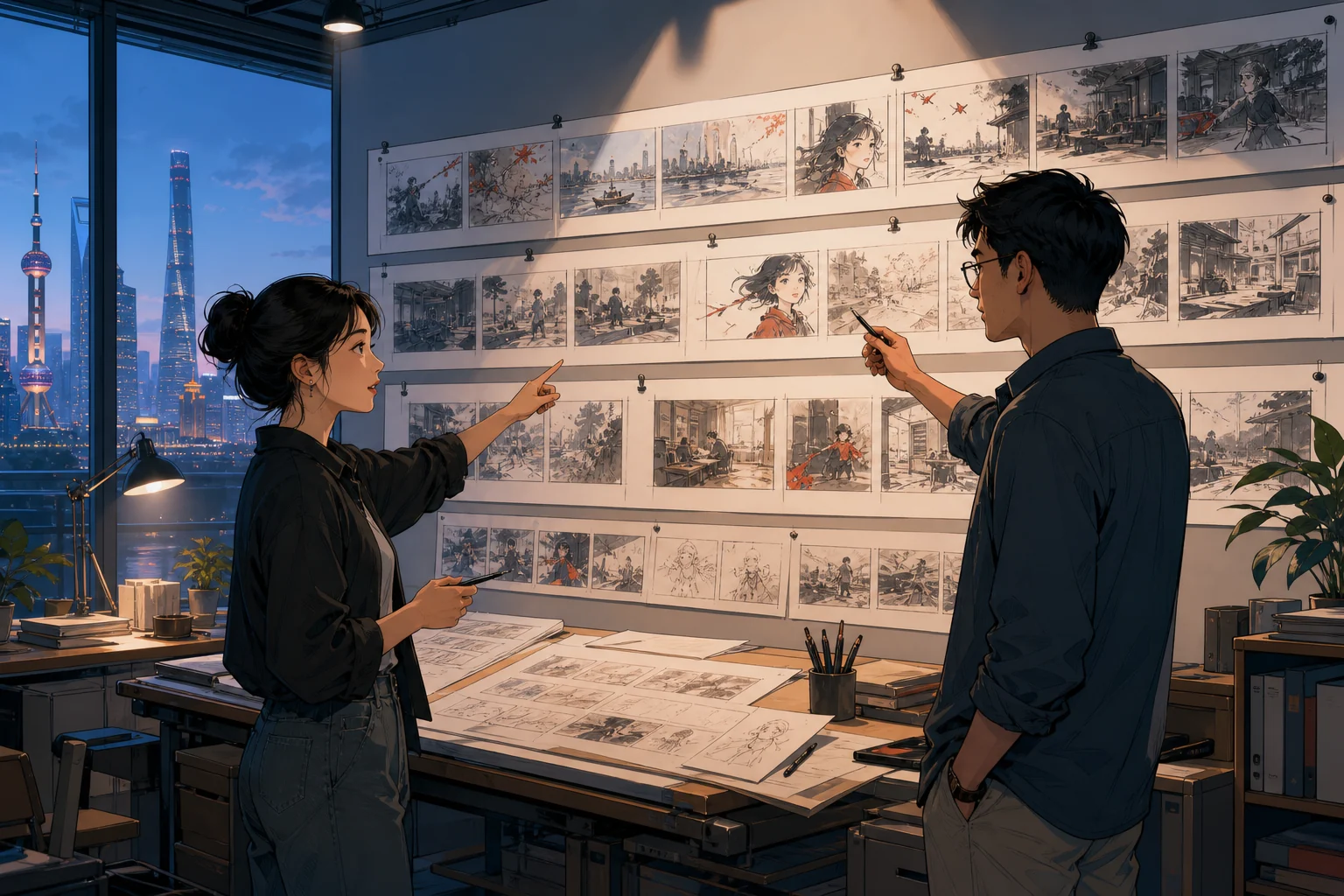
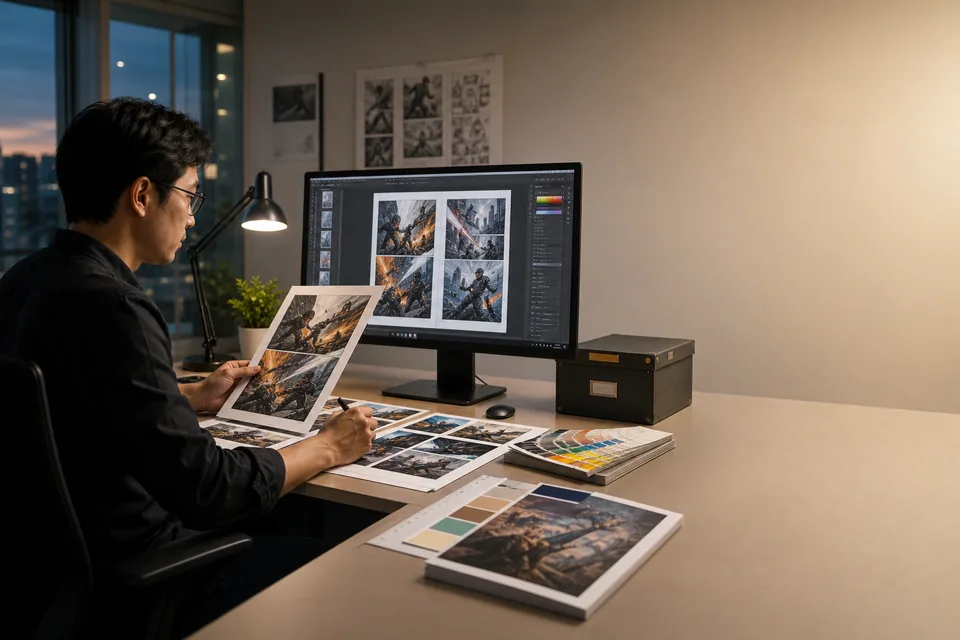
    Production editor reviewing visual story proofs before final export
Three finished production case files

Text bubble generator examples for photos, messages and comics.

See how BubbleText turns a photo, short conversation or speaker-labelled comic script into an editable, export-ready result. Compare placement, reading order, character mapping and delivery before opening the matching workflow.

Browse the full case library
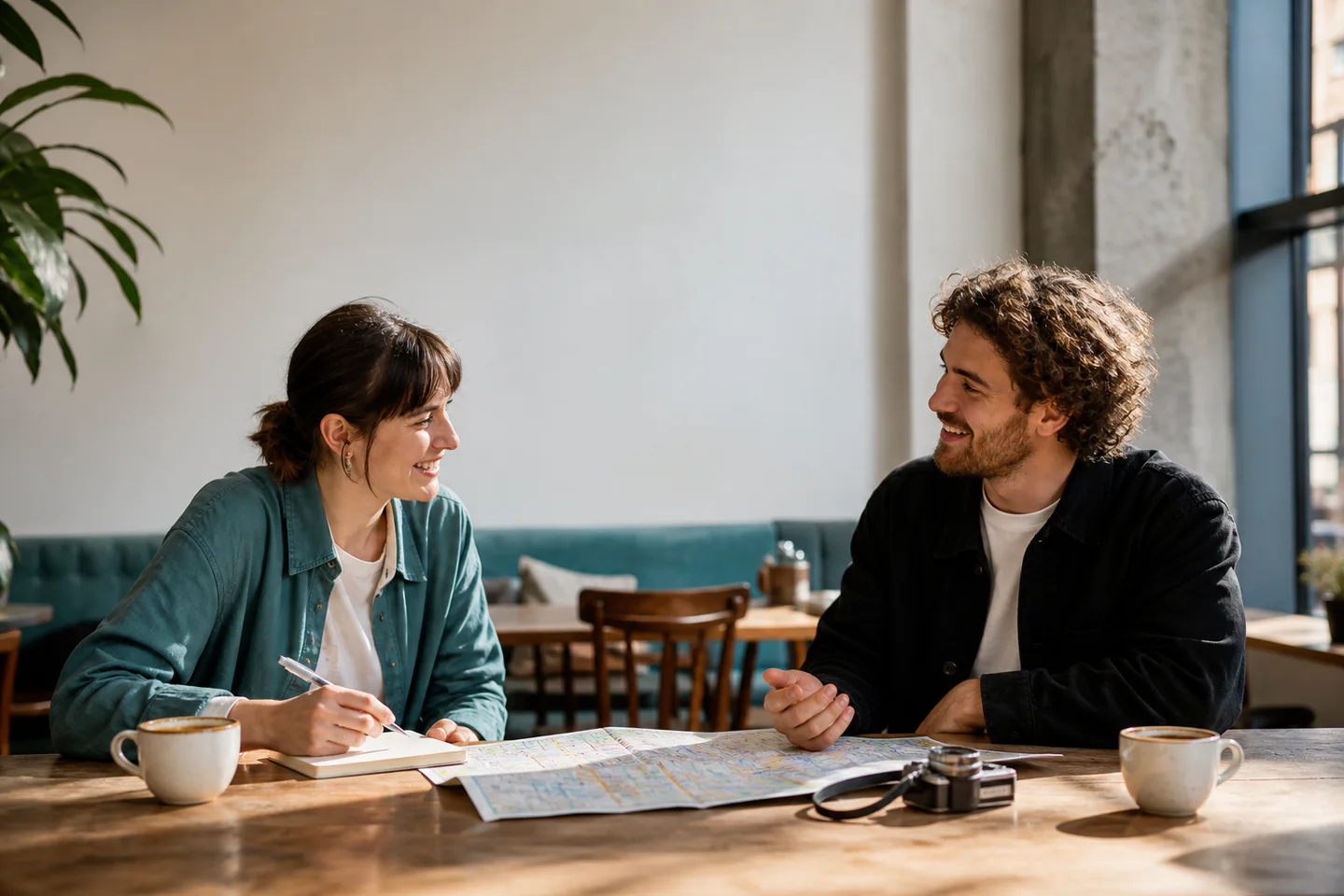
Add speech bubble to photo example with face-safe placement, editable tail and finished PNG
Photo workflowFace-safe composition
1 editable line
I saved the window seats.
2 faces protectedTail remains editablePNG · 1440 × 960
Case 01 / photo speech bubbleFree

Add a speech bubble to a photo without covering the people or the moment.

Start with one travel photo and one line of dialogue. BubbleText uses the open wall space, fits the text and keeps the tail pointed at the speaker while both faces and the map stay clear.

Source
Travel photo · 1 line · 2 faces to protect
Production move
Place in negative space, auto-fit the line and aim an editable tail.
Delivery
A clean 1440 × 960 PNG that still reads like the original photograph.
Face-safe placementAuto text fitMovable tailFinished PNG
Text message bubble generator example with two speakers, three editable turns and social PNG output
Message workflowBrand-neutral conversation
3 ordered turns
Saturday market plan

Meet at the east entrance?

10:30 works. I will bring the prints.

Perfect. Sending the route now.

2 speaker roles3 ordered turns4:5 social PNG
Case 02 / message graphicFree

Turn a short conversation into an editable text message bubble graphic.

Start with a short event plan, two speakers and no app screenshot. The text message bubble generator preserves the turn order while giving the conversation its own neutral visual system for social publishing.

Source
3 dialogue beats · 2 speakers · 1 event plan
Production move
Alternate left and right roles while keeping every message independently editable.
Delivery
A clean 4:5 conversation graphic ready for a post or story panel.
Left and right rolesEditable sequenceBrand-safe stylingPNG export
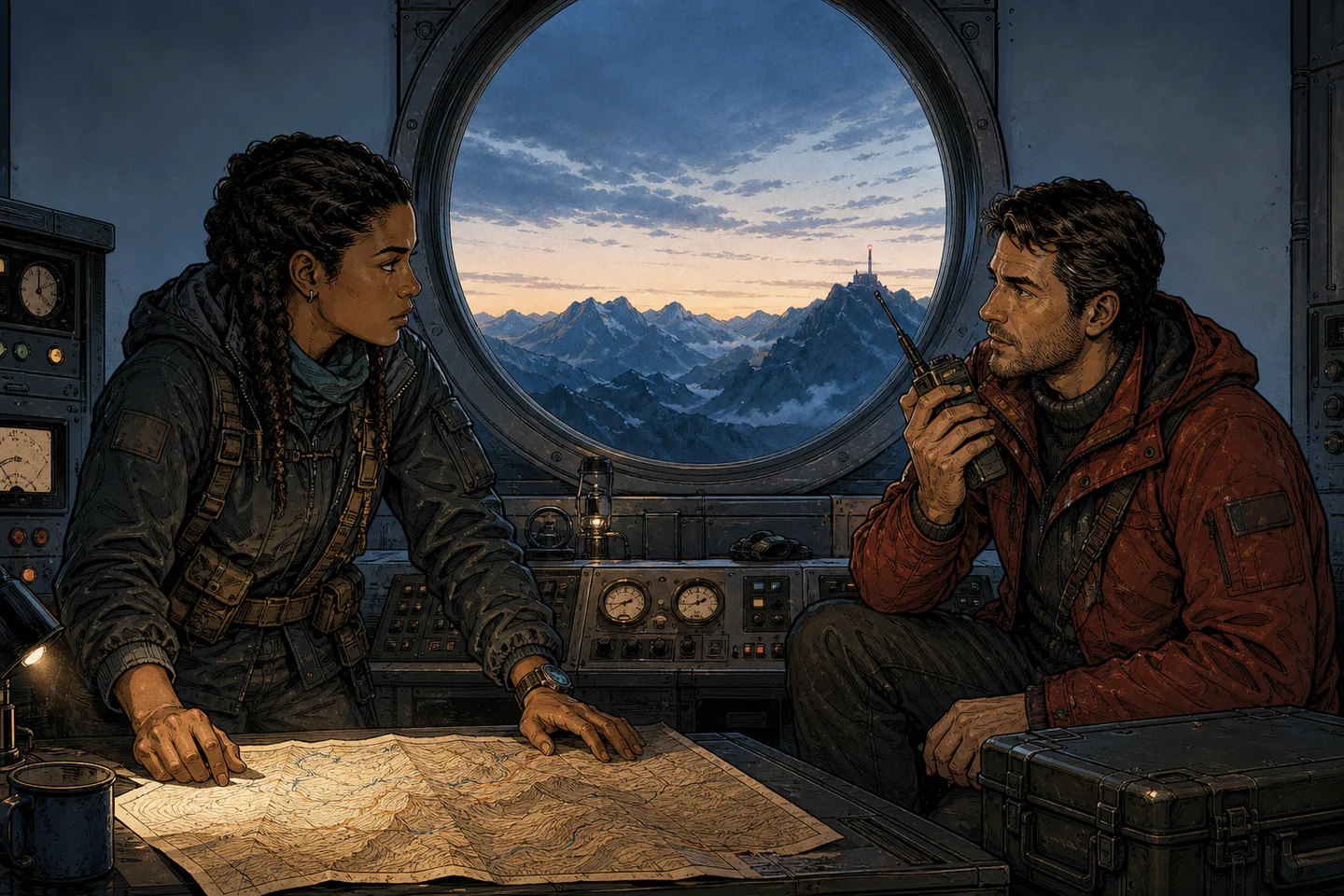
Comic speech bubble generator example with character mapping, editable reading order and Project Preflight
Comic workflowCharacter-aware lettering
2 speakers mapped
The signal came from below the ice.Then we verify it before dawn.
2 mapped speakers01 → 02 reading orderPreflight passed
Case 03 / comic and mangaCreator

Map characters before Auto Lettering builds the comic speech bubbles.

Start with an observatory scene and a speaker-labelled script. The comic speech bubble generator links each line to its character, protects the radio and faces, and preserves left-to-right reading order for refinement.

Source
1 comic page · 2 speakers · 2 labelled lines
Production move
Map AYA and REN before generating editable bubble forms, routes and tails.
Delivery
A character-linked page that passes Project Preflight before export.
Script importCharacter mapAuto LetteringProject Preflight
Prove one useful result first

Finish one image.
Upgrade when the text bubble workflow repeats.

Bring one real source, inspect the production decisions and export a clean 1x PNG. Choose a plan only when the same workflow needs more pages, languages or delivery formats.

  • No card
  • Editable result
  • No watermark
  1. 01Choose a source

    Start with material you already own.

    Use one photo, a short message exchange or a speaker-labelled comic page.

    Compare workflows
  2. 02Inspect the result

    See what BubbleText changed and protected.

    Check the bubble route, text fit and reading order before accepting the result.

    View finished cases
  3. 03Export one image

    Refine the editable result and deliver it.

    Move the bubble, edit the words and export one clean watermark-free PNG.

    Open the editor
Free first resultOne editable image and a clean 1x PNG.
Upgrade when work repeatsMore pages, Auto Lettering runs, languages and production formats.
Tools by task and output

Choose the text bubble generator
that matches what you need to make.

Choose by source, production task or delivery format. Each route opens with the controls and output that fit that job.

Plans for every production stage

Compare text bubble generator plans by production capacity.

See what each plan is designed to produce, from a first editable result to recurring creator work and parallel studio delivery. Exact prices and secure checkout are available on the pricing page.

Watermark-free 1x PNG on FreeClear production allowancesProjects remain editable
Compare BubbleText Free, Creator and Pro plans
PlanBest forProduction capacityDelivery and reviewChoose a plan
FreeFirst resultNo card requiredOne useful first result

Test the editable lettering core on a photo, message graphic or small comic project.

  • 3 pages per project
  • 3 Auto Lettering runs/month
  • Character mapping and Preflight
  • Current-page 1x PNG
  • Editable local project data
  • 5 cloud project versions
Start free
Creator RecommendedRecurring workFor recurring deliveryIndependent creators

Recurring comics, manga pages, localization and one active client review cycle.

  • 12 pages per project
  • 60 Auto Lettering runs/month
  • 60,000 AI translation characters
  • 1 review link and 30 versions
  • Reviewed language layouts
  • 2x PNG, SVG/PDF and ZIP
View Creator plan
ProProduction scaleFor parallel productionStudios and production teams

Longer chapters, parallel client reviews and high-resolution multi-format handoff.

  • 50 pages per project
  • 300 Auto Lettering runs/month
  • 300,000 AI translation characters
  • 5 review links and 100 versions
  • Reviewed language layouts
  • 4x PNG, SVG/PDF and ZIP
View Pro plan

Need billing details or checkout? Open full pricing .

Search intent, answered

Text bubble generator questions for photos, messages and comics.

Can I add a speech bubble to a photo online?

Yes. Upload a photo, place an editable speech bubble in the available negative space, aim its tail, protect faces and important objects, then export the finished image as a PNG.

Can I make a text message bubble without copying a branded app?

Yes. The text message bubble generator uses a neutral left-and-right conversation system. You control the words, order and visual treatment without reproducing a named messaging platform.

How does comic character lettering work?

Import dialogue with speaker names, map each role to a character, generate an editable Auto Lettering draft, refine bubble forms and tails, then use Project Preflight to find text-fit, overlap and delivery risks.

Can I export a speech bubble PNG with transparency?

Yes. The PNG tools can create a finished image or a reusable transparent speech bubble PNG and text bubble PNG. Production plans also support editable SVG, multi-page PDF and batch ZIP delivery.

Is BubbleText a bubble font generator or 3D text generator?

Not currently. BubbleText specializes in readable dialogue bubbles placed on photos, message graphics, comics and manga. Bubble fonts, bubble writing and standalone 3D lettering are different text-effect workflows.