Choose a form
Speech, reply, thought, caption or burst carries a different visual meaning.

Create a blank speech bubble PNG for slides, comics, thumbnails and reusable design systems. Choose the form, route the tail, prove the edge and download clean RGBA pixels.
Start with a semantic form, apply a studio recipe and refine every token before export.
Canvas fitKeep the complete form and tail inside the downloadable PNG. Oversize values are constrained at the safe edge.
Team recipeBind this finish to speech assets.
Production exportFill, outline, finish and shadow enter the PNG. Checker, light and dark proof backgrounds never do.
Name the style system, bind a default recipe to each semantic form, then generate only the sizes and tail routes the production team needs.
The checker, light and dark proofs remain inspection layers. Exported files keep a transparent exterior and descriptive production names.
Run the checks after the matrix is final.
The downloaded asset contains only the silhouette, optional tail, fill and outline. Text stays editable in the file where the bubble will finally be used.
 Live asset production
Speech, reply, thought, caption or burst carries a different visual meaning.
Aim the optional tail before the asset enters its destination composition.
Set fill, outline and stroke for the smallest size people will actually see.
Download 640 x 420 RGBA pixels with no words baked into the asset.
An empty bubble still communicates tone. Choose the form by what the future line means, then preserve the faces and focal details around it.
 Source / 01
Give a full sentence horizontal room, then route the tail toward the active speaker without crossing either face.
Create this form Source / 02
Keep a short answer close to the responding speaker while preserving open space for the rest of the composition.
Create this form Source / 03
Separate private narration from spoken words with a cloud edge and a dotted route that remains readable at small sizes.
Create this form Source / 04
Mark time, location or off-panel narration with a stable rectangular asset that does not claim a speaker.
Create this form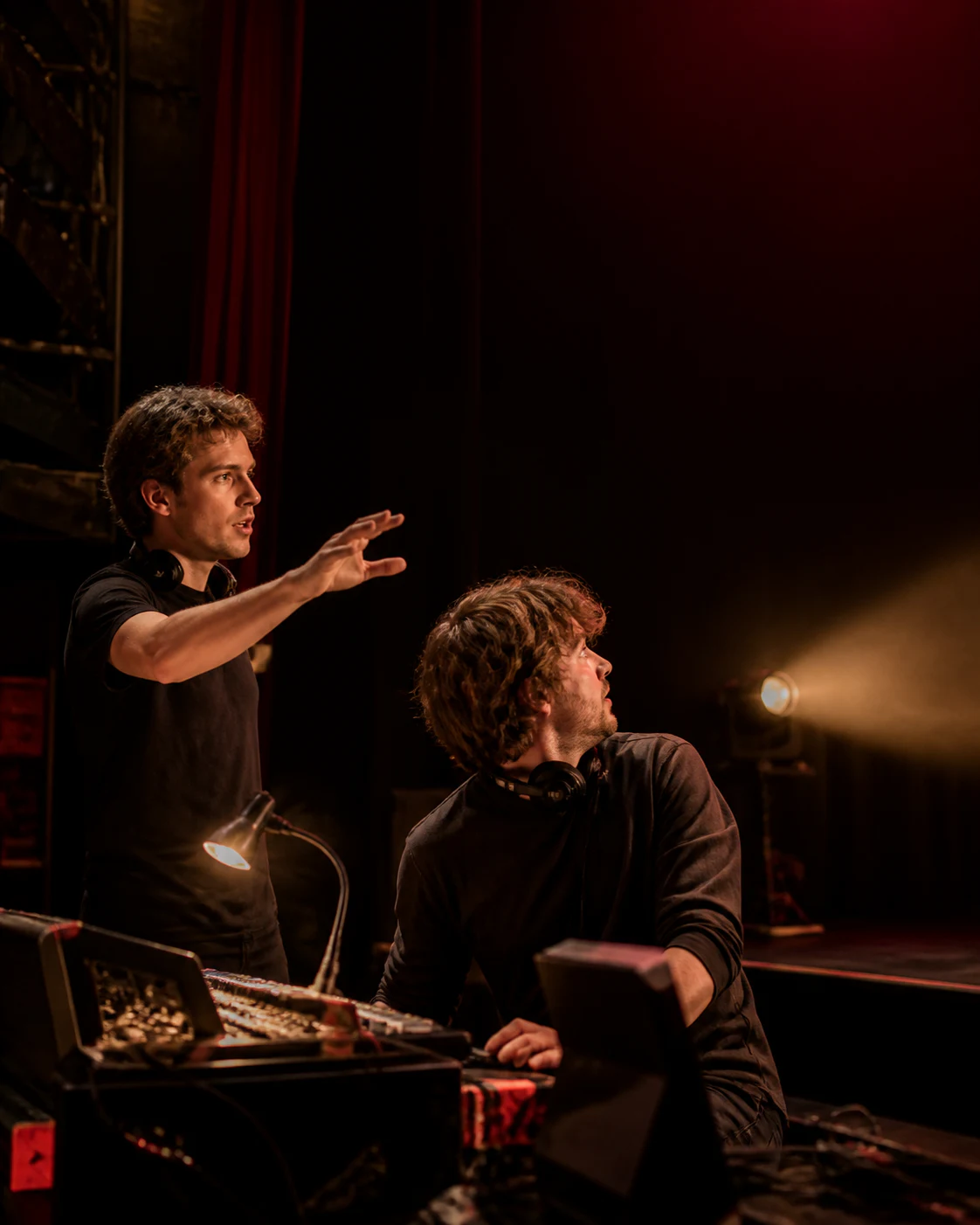 Source / 05
Use the sharp silhouette for an alarm, shout or sudden change that must interrupt the visual rhythm.
Create this formOwnership is already visible in an empty speech bubble PNG. Compare the same source without flipping the artwork or crossing either designer.
 Source lockedTarget
Route through the clear upper wall toward the left-side speaker.
Artwork unchanged / PNG ready Source lockedTargetMove only the pointer so the source crop and people remain unchanged.
Artwork unchanged / PNG ready Source lockedRemove ownership when the asset will become a caption, label or system note.
Artwork unchanged / PNG readyEach case occupies genuine negative space and keeps the subject, gesture or artwork legible. The asset remains empty so the destination file can own the wording.
 Lesson and slide asset
Export a wide blank speech bubble PNG when a lesson designer needs to change the sentence without rebuilding the surrounding visual.
 Comic rough asset
Place an empty thought bubble on a comic rough to judge hierarchy and panel space before dialogue is approved.
 Thumbnail callout asset
Use a compact reply bubble in clean wall space when a social thumbnail needs many headline variants.
A checkerboard confirms alpha, but contrast depends on the receiving file. Switch proof surfaces and compare a weak two-pixel edge with the approved five-pixel outline.
Stay here for an empty reusable asset. Move when words, a source photo or several dialogue objects must be delivered together.
 Words included
Bake readable lettering into one reusable transparent overlay instead of leaving the bubble empty.
Open workflow Photo attached
Protect the subject, aim a movable tail and export the photo and spoken line as one finished PNG.
Open workflow Multiple bubbles
Arrange several speech, thought or caption objects while keeping every layer separately editable.
Open workflowYes. The checkerboard, light and dark surfaces are proof backgrounds only. The downloaded 640 x 420 PNG keeps transparent pixels outside the selected speech bubble.
Yes. This page exports only the empty shape, fill, outline and optional tail. Add words later in a slide, illustration, comic rough or another design file.
Choose Thought, adjust the width and height, inspect the dotted edge on light and dark proof backgrounds, then download the transparent PNG.
Choose left, down-left, down-right, right or no tail in the direction controls. Match that route to the speaker position in the destination composition.
Yes. Set separate fill and outline colors, then adjust stroke thickness from 1 to 12 pixels before exporting the transparent speech bubble PNG.
Caption and burst forms do not use a speaker tail. The maker disables the tail controls so the exported asset matches the visual meaning of the selected shape.
Use the text bubble PNG page when the words must be included inside the transparent overlay. Stay here when another editor or language version will add the wording later.
Inspect the same live bubble on checker, light and dark backgrounds. Look for weak contrast, an unclear tail or a stroke that disappears at the final display size.