01 / ARTWORK
Source bound
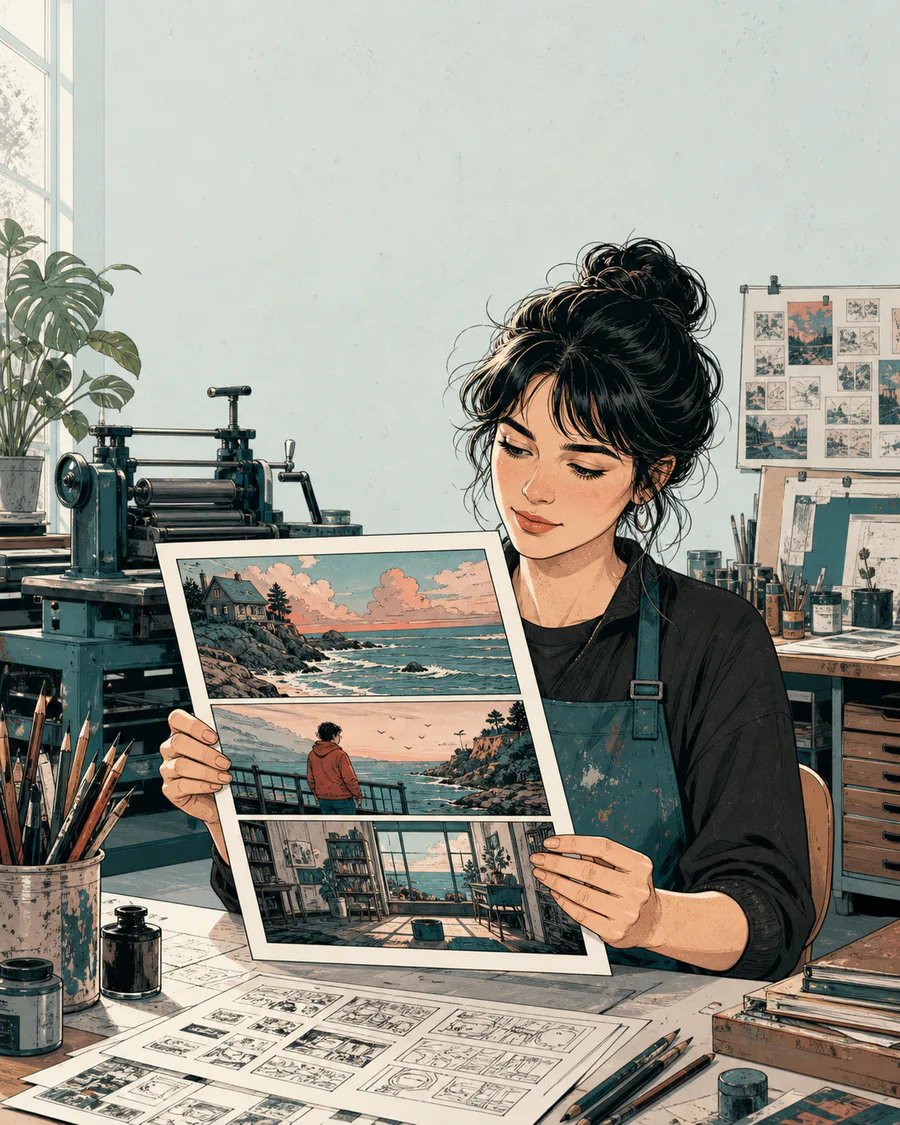
Open one comic page
Start with the built-in scene or upload PNG, JPG or WebP artwork.
Source remains editable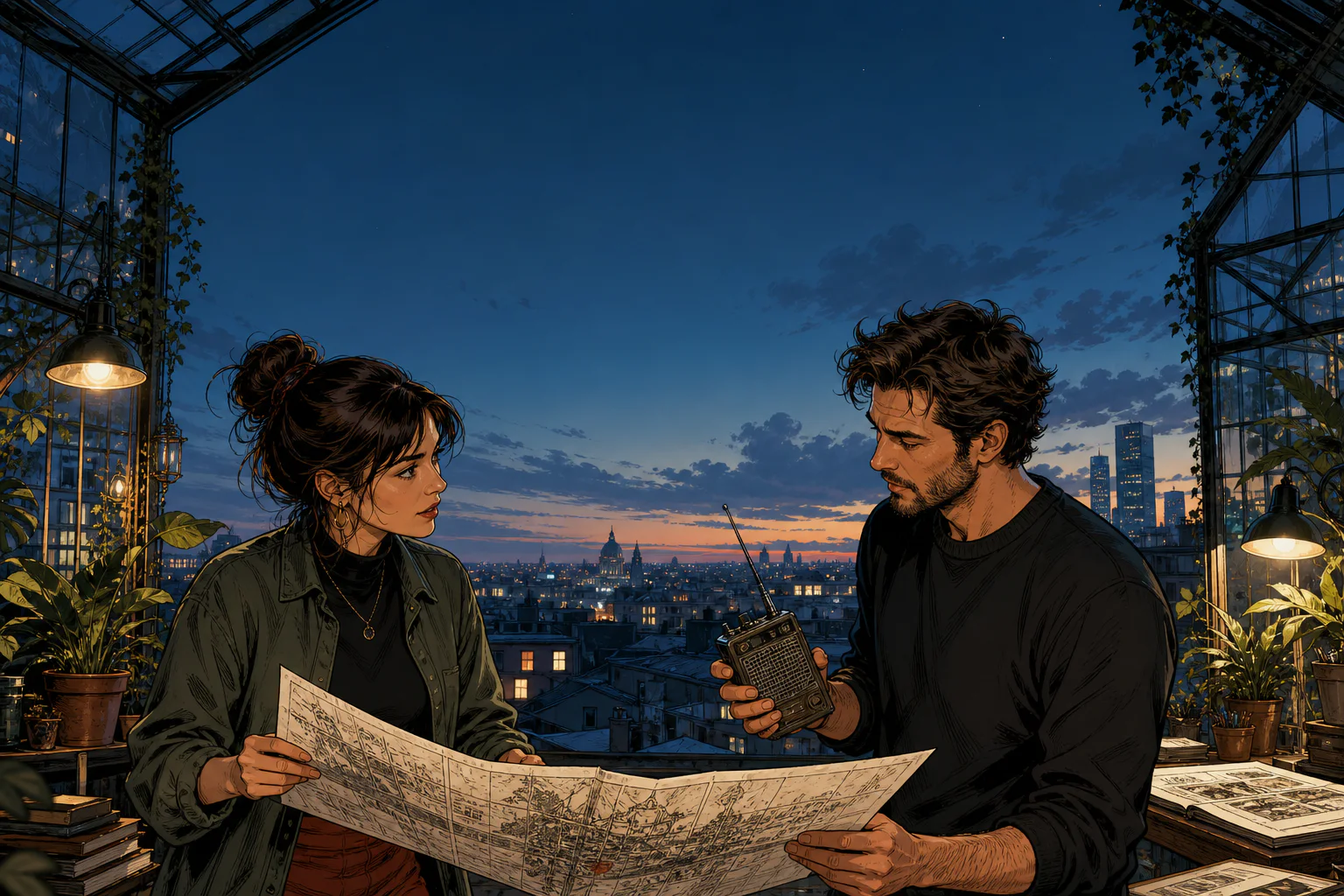
Write three comic lines, compare comic left-to-right or right-to-left reading order, check dialogue fit and export one controlled lettering proof before repeating the layout across a chapter.
Bring your comic artwork and three comic dialogue beats. The comic speech bubble generator keeps the comic script editable while you compare comic order, narration and basic fit.
Start with the built-in scene or upload PNG, JPG or WebP artwork.
Source remains editable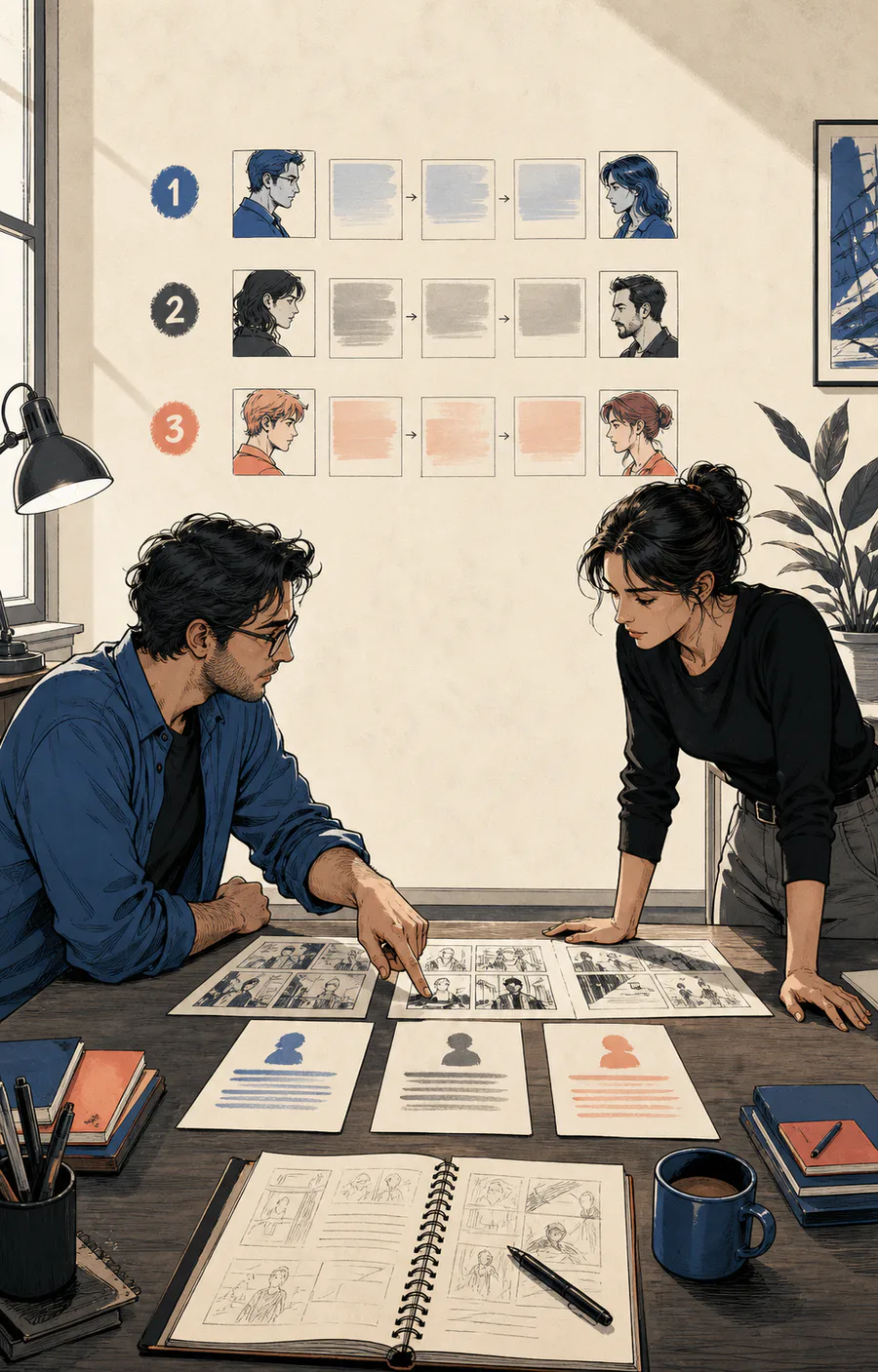
Keep every comic panel focused on one readable piece of dialogue.
Three numbered lines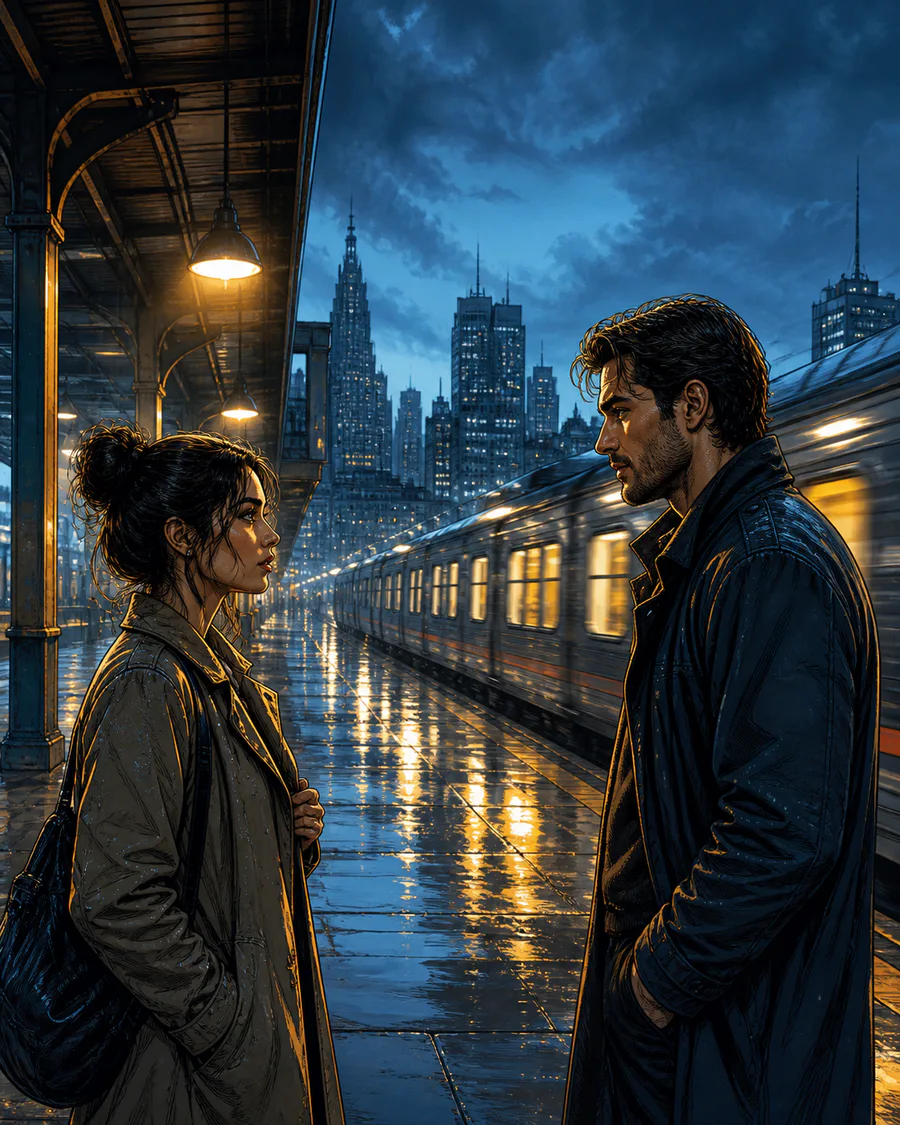
Reverse the comic handoff without rewriting or renumbering the script.
Reading path visible
Resolve empty or long lines, then download one review-ready PNG.
One delivery proofComic readers do not experience a comic script as a list. They encounter one balloon, one expression and one comic panel transition at a time. The numbered proof lets you test that route before the page becomes expensive to revise.
Place the opening promise where the selected reading direction naturally begins.
Let each tail end near the correct comic speaker without crossing a face, hand or prop.
Finish each comic panel near the direction of travel so the next beat does not require a backward jump.
A comfortable desktop balloon can become dense on a phone or printed comic page.
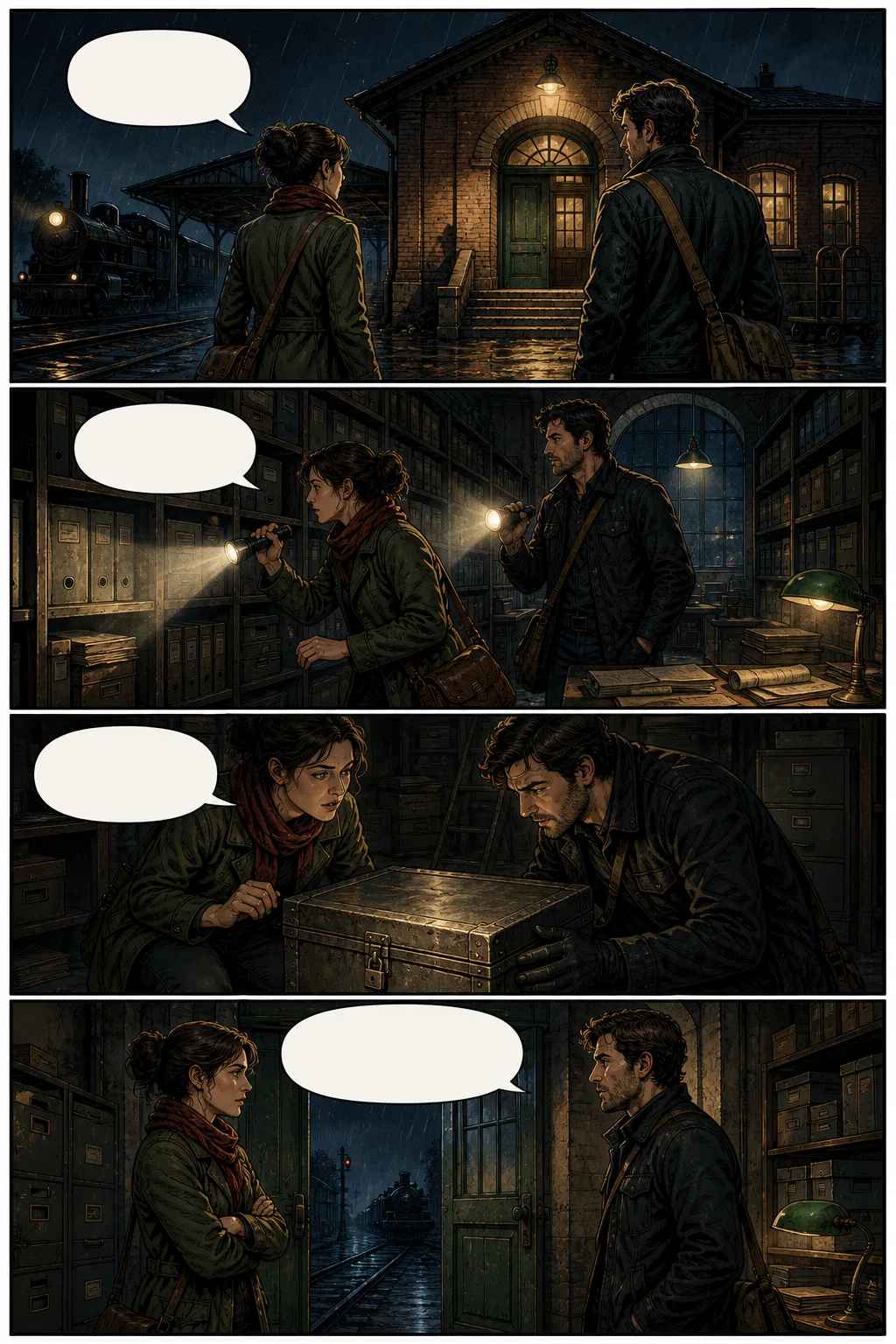 The station closes at midnight.The archive key is inside.This is the case we came for.Then we leave before the signal changes.
A warning is not an invitation to make type unreadable. Keep the comic character voice, remove duplicate context and give the artwork enough room to complete the scene.
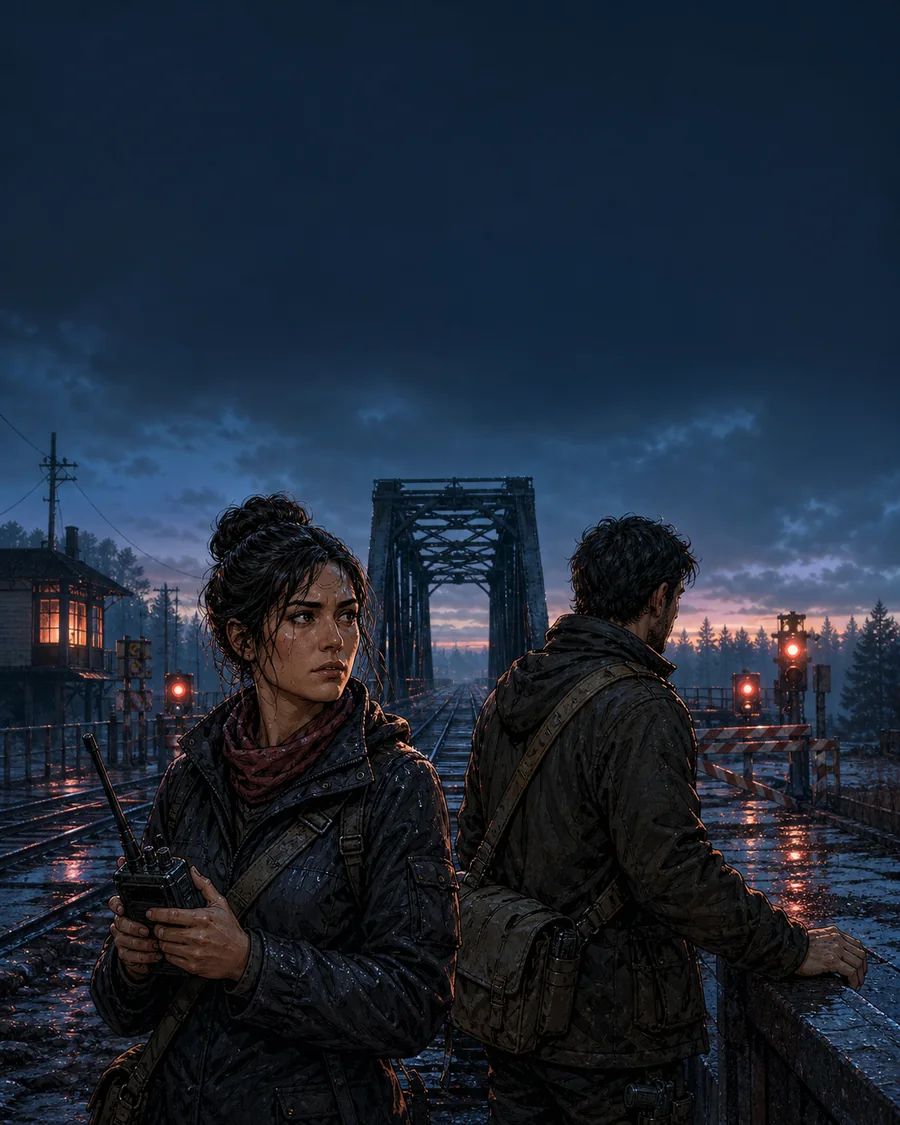
The relay failed, so we should take the bridge, unless the guard has already closed it.
The relay failed. Take the bridge.
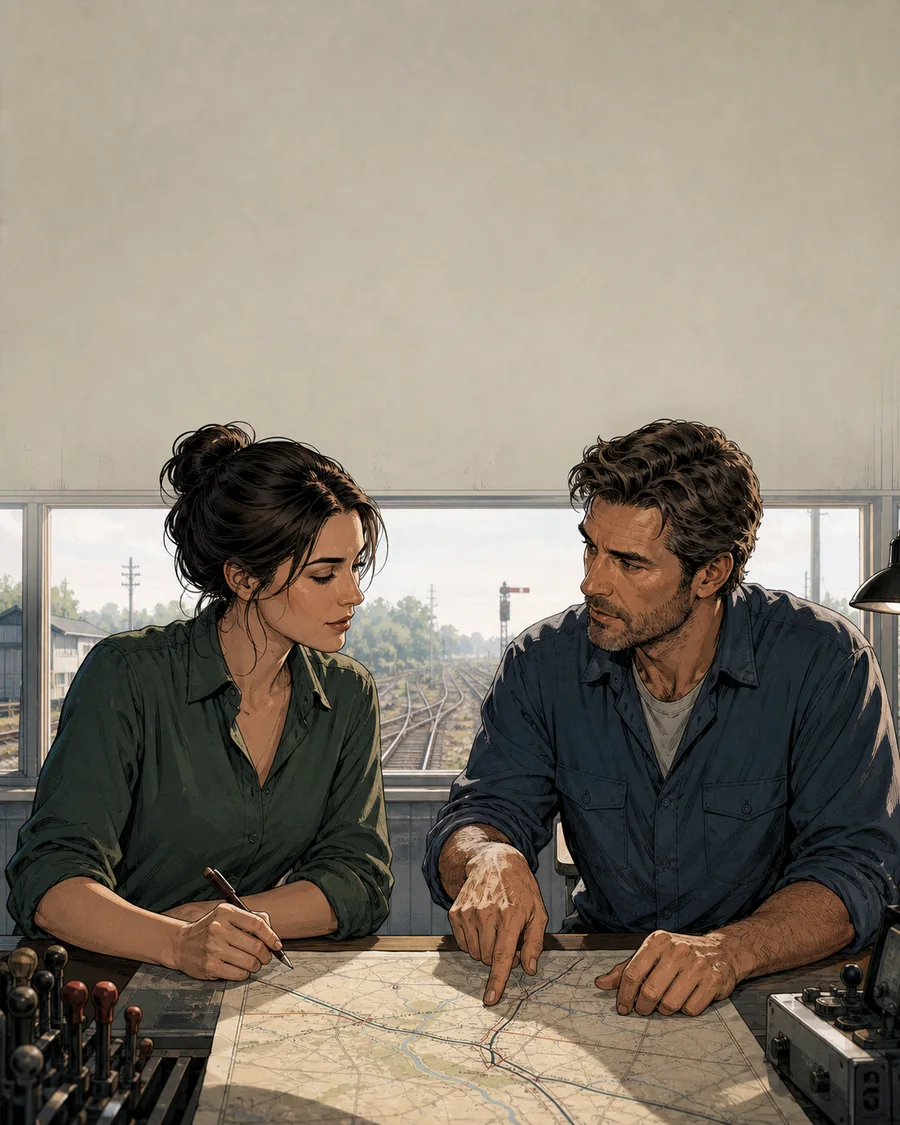
I understand what you mean and I agree that this is probably the safest possible route.
Agreed. This route is safer.
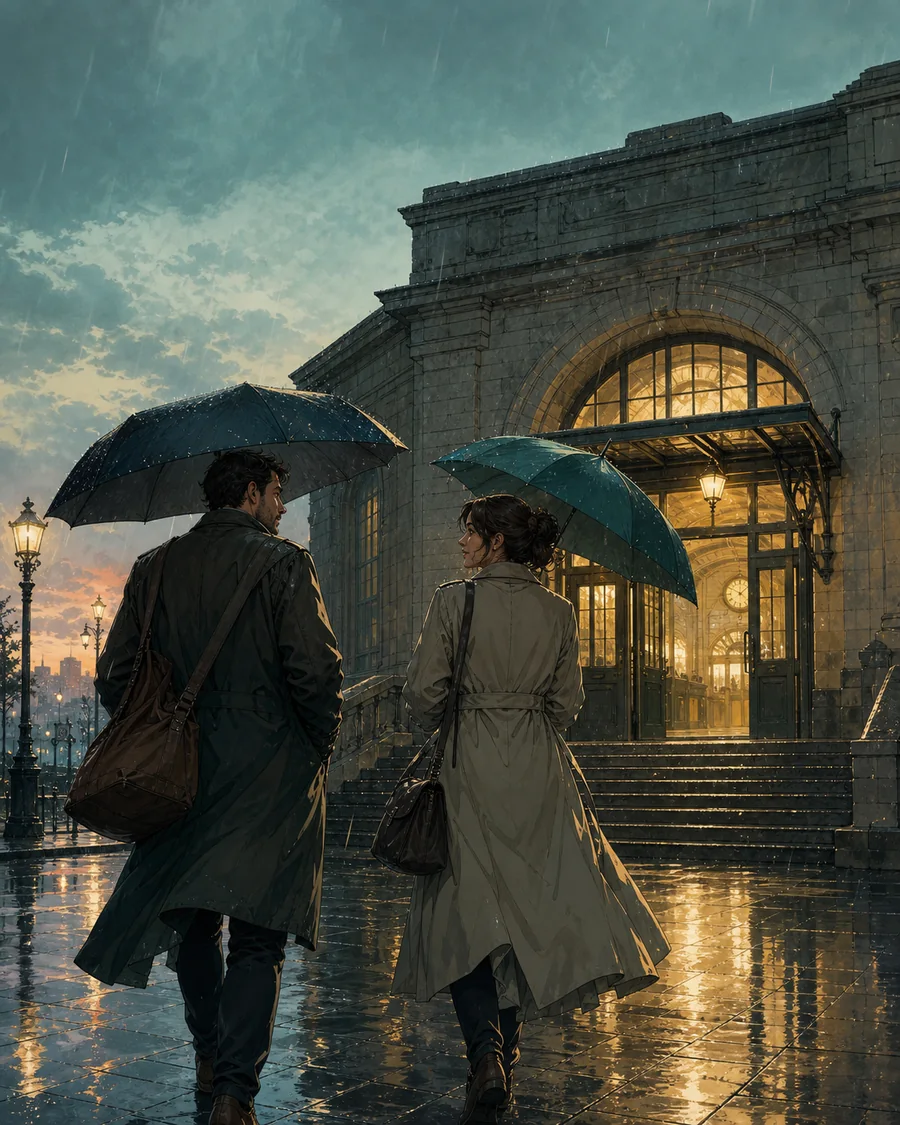
They walk through the rain toward the station door that stands in front of them.
Twelve minutes before departure.
Dialogue fit Clear
Reading order Verified
Publishing size Reviewed
The focused generator identifies missing and unusually long lines. A production-ready comic still needs a visual pass for speaker ownership, facial expression, action, breathing room and final-size readability.
Move or shorten a balloon before allowing it to cover the comic drawing that makes the dialogue meaningful.
Confirm that a new reader can identify the comic speaker without relying on character color or prior context.
Inspect the proof on a phone or at print scale before approving a comic chapter-wide lettering rule.
Proofs reuse one image. Only balloons, order and tails move; the scene, cast and script IDs stay fixed.
 Source locked01Archive train before dawn.02Keep the manifest sealed.03Platform 4 stays open. Source locked01Archive train before dawn.02Keep the manifest sealed.03Platform 4 stays open.
Keep artwork, dialogue and cast decisions connected across pages, versions, reviews and delivery formats.
 AYA · 01The proof is approved.REN · 02Keep the cast linked.AAYARREN
Use the focused tool for one honest comic proof, then choose the production editor when the comic work needs to remain editable across a larger delivery.
No. This focused proof uses a controlled three-panel layout so you can test dialogue length and reading order. The production editor supports larger editable projects, while final panel boundaries and story emphasis remain creative decisions.
Yes. Switch the reading order control to right to left. The two lower dialogue positions reverse while their script line numbers stay visible, making it easier to compare manga flow before production.
The focused tool flags empty dialogue and lines longer than 72 characters. It is a fast writing and fit check, not a replacement for reviewing faces, tails, action and lettering at the final publishing size.
Reserve quiet panel space before polishing the balloon. Shorten the line or move it away from expressions, hands, props and motion paths instead of covering the drawing that explains the dialogue.
Yes. Open a PNG, JPG or WebP page up to 15 MB. The image is decoded locally in your browser and becomes the visual source behind the editable three-panel proof.
It can test right-to-left order, narration and dialogue fit for manga-style pages. It does not imitate a specific manga title, automatically translate a chapter or replace a creator's final lettering review.
Use the free proof to find recurring script and order problems first. Continue in the production editor when the project needs saved pages, character mapping, advanced tails, language versions, review links or batch delivery.
The focused comic speech bubble generator exports one PNG proof. The production editor adds independent layers, project history and PNG, SVG, PDF or ZIP delivery for repeating workflows.