Bring one photo
Open a PNG, JPG or WebP image up to 12 MB.

Use the photo speech bubble generator to put one editable line into real image space, aim its tail toward the speaker and keep the face, hands and important object visible through export.
This speech bubble generator lets you upload one image, write one spoken line, select the speaker side and click the quiet area where the bubble belongs.
Open a PNG, JPG or WebP image up to 12 MB.
Use a short sentence that can stay readable at feed size.
Click open space and point the tail toward the correct speaker side.
Hide the guide and save a clean finished PNG.
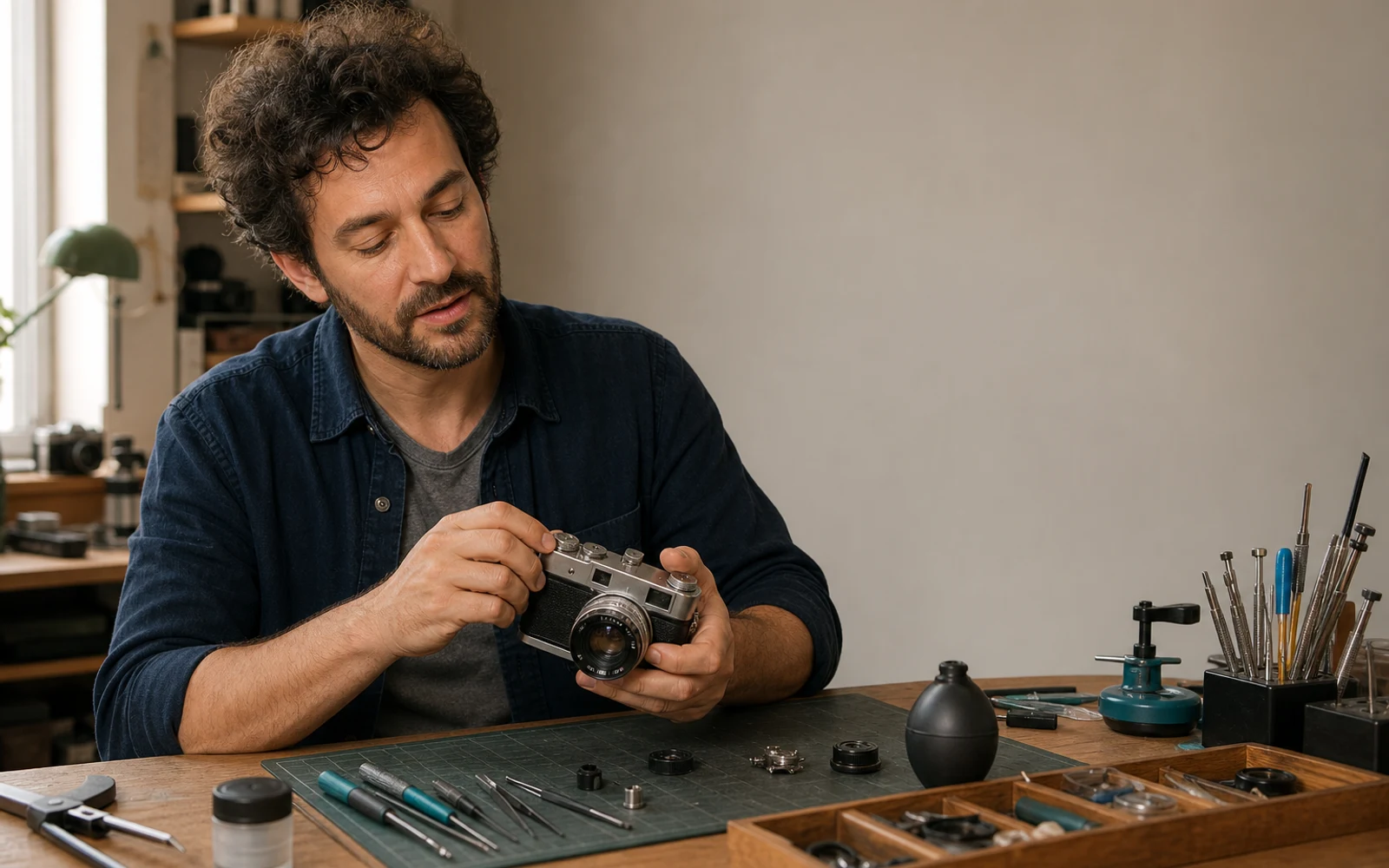
A believable result from a speech bubble generator belongs to the photo only when the original moment still reads without effort.
Move dialogue into wall, sky or another quiet area before reducing the face or hair to make room.
Hands can point, answer or demonstrate. Protect them when they explain who is speaking and why.
Route the tail around the camera, product or action that gives the line its visual context.
Most speech bubble generator placement problems come from distance, scale, tail routing or contrast. Fix the relationship before changing the visual style.

Pull the bubble into speaking range without covering the subject.
Speaker relationship restoredShorten the sentence before shrinking the type or taking more image space.
Readable at delivery sizeRoute the tail through the quiet wall and finish beside the speaker.
Face and hair remain clearUse a solid light fill and keep the bubble away from detailed texture.
Text contrast verifiedThe speech bubble generator makes desktop placement comfortable. The phone proof confirms that the sentence, protected subject and tail route still read as one image.
Use a wall, sky or another low-detail part of the photo.
Keep the route clear of the eyes, mouth and phone.
Judge text fit at the final social or presentation width.
Remove the safe overlay before the clean PNG export.
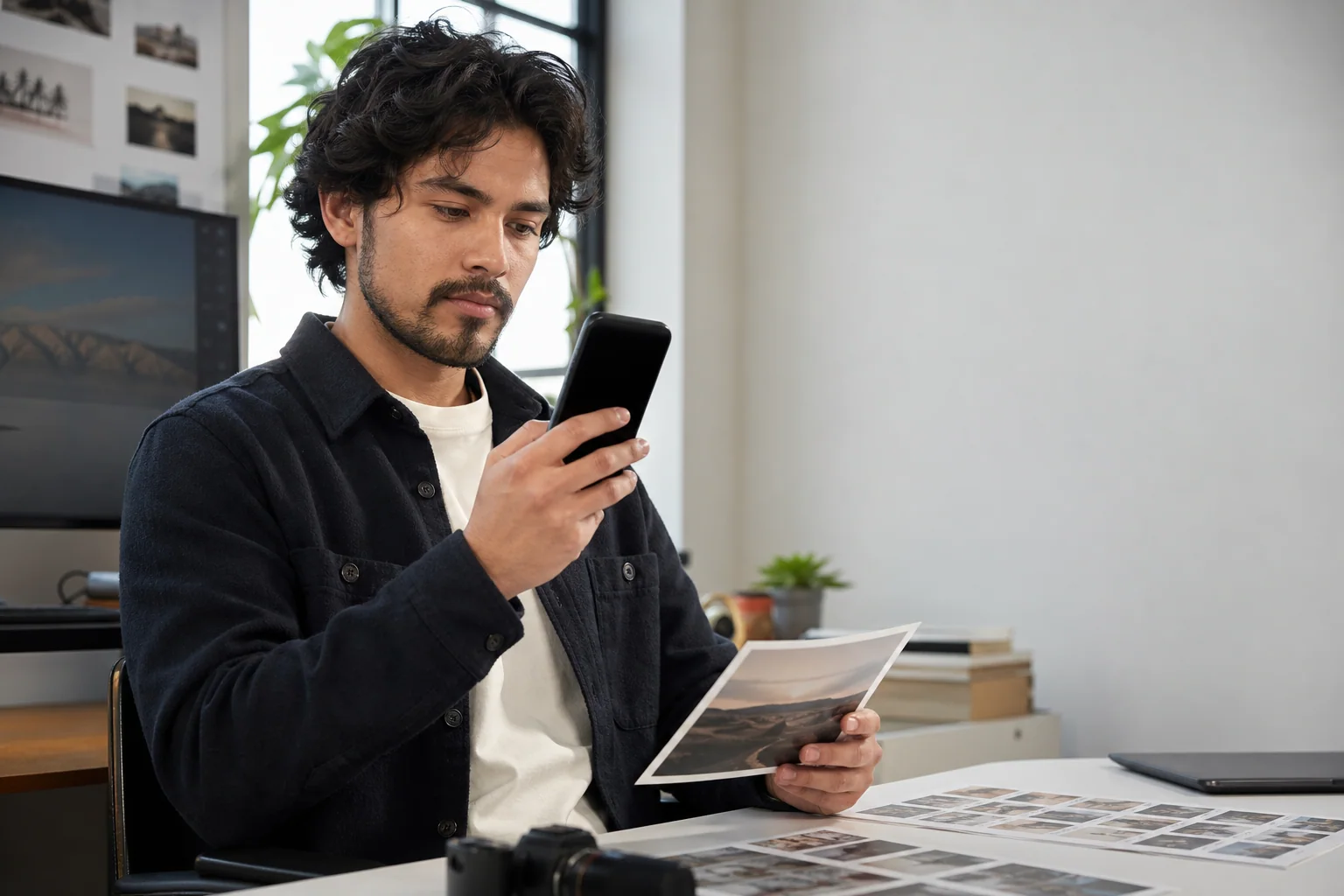
A photo speech bubble generator needs different open space for portraits, groups, action scenes and products. Read the composition before deciding where dialogue can live.
 01
01Use the open side of the portrait and finish the tail beside the shoulder, not across the hair.
Try this placement 02
02Separate replies across the upper band so each short tail identifies one speaker without claiming another face.
Try this placement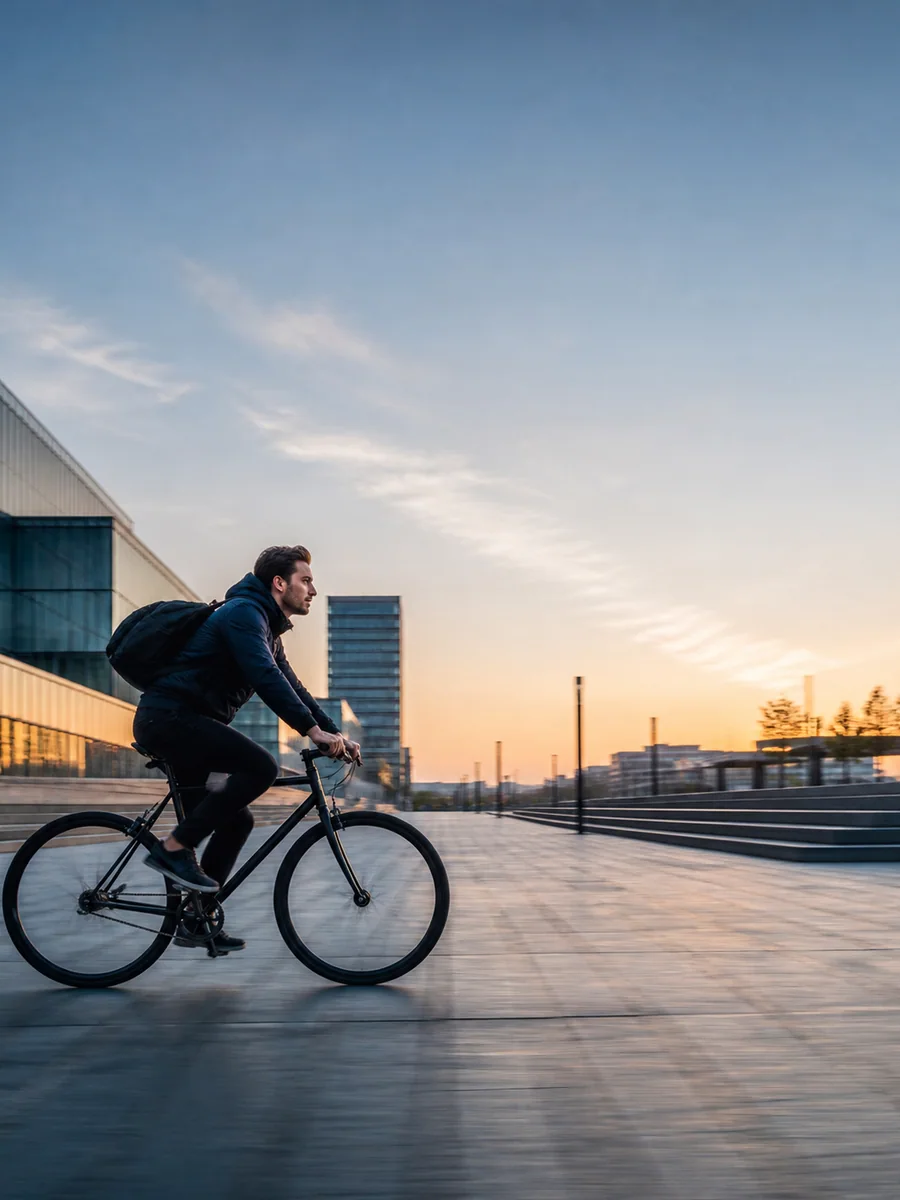 03
03Place the line in open sky and keep the forward route free, so the action still has somewhere to go.
Try this placement 04
04Place the testimonial beside the product and route the tail around the face, hands and distinctive bottle edges.
Try this placementClick a new position directly on the photo. The tool moves the whole bubble while preserving its text and tail direction.
Choose Subject left when the speaker is on the left side of the frame and Subject right when the speaker is on the right. The tail changes direction automatically.
Yes. Open the page in a modern mobile browser, choose a PNG, JPG or WebP photo, then tap the preview to reposition the bubble. Use the safe guide to check the smaller screen before download.
Look for another low-detail area such as a wall, floor, soft clothing or shallow-focus background. If every part of the photo carries useful detail, shorten the line and use a smaller bubble near the speaker instead of covering the subject.
The focused photo tool currently draws one spoken oval with a directional tail. For an internal thought, open the multi-bubble composer, choose the thought form and place that bubble over the same photo.
Treat eyes, mouth and expression lines as protected photo detail. Move the bubble above a shoulder or into the opposite side of the frame, then reduce the sentence before reducing the subject. The safe guide helps confirm the final photo crop.
The tool accepts browser-readable PNG, JPG and WebP files up to 12 MB. Animated GIFs belong in the animated speech bubble tool.
The guide is a preview aid. Turn it off before download when you want a clean finished image.