 01
01Last train at midnight.One route remains.Platform four.
3 ordered turns4:5 story card
Fictional character exchange
Context, choice, consequence
Give every character message one decision, then stop when the story beat lands.
Build this sequence
Create original chats with the text message bubble generator, then edit speakers, turns, times and themes before copying or downloading a clean PNG.
The text message bubble generator supports eight turns, left and right speakers, names, timestamps, ratios and themes before export.
A readable text message graphic changes the reader's understanding one bubble at a time. Use the shortest sequence that makes the situation, decision and result clear.
Write the first turn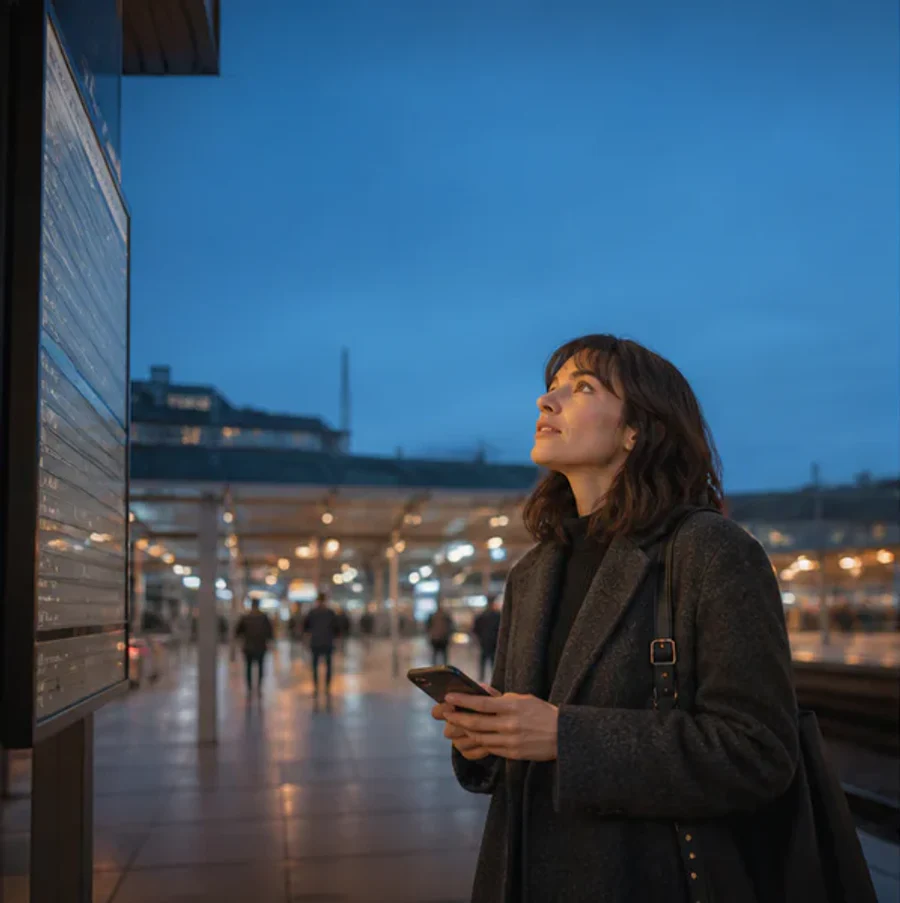 01The last train leaves at midnight.
Give the opening message enough context to explain why the exchange begins.
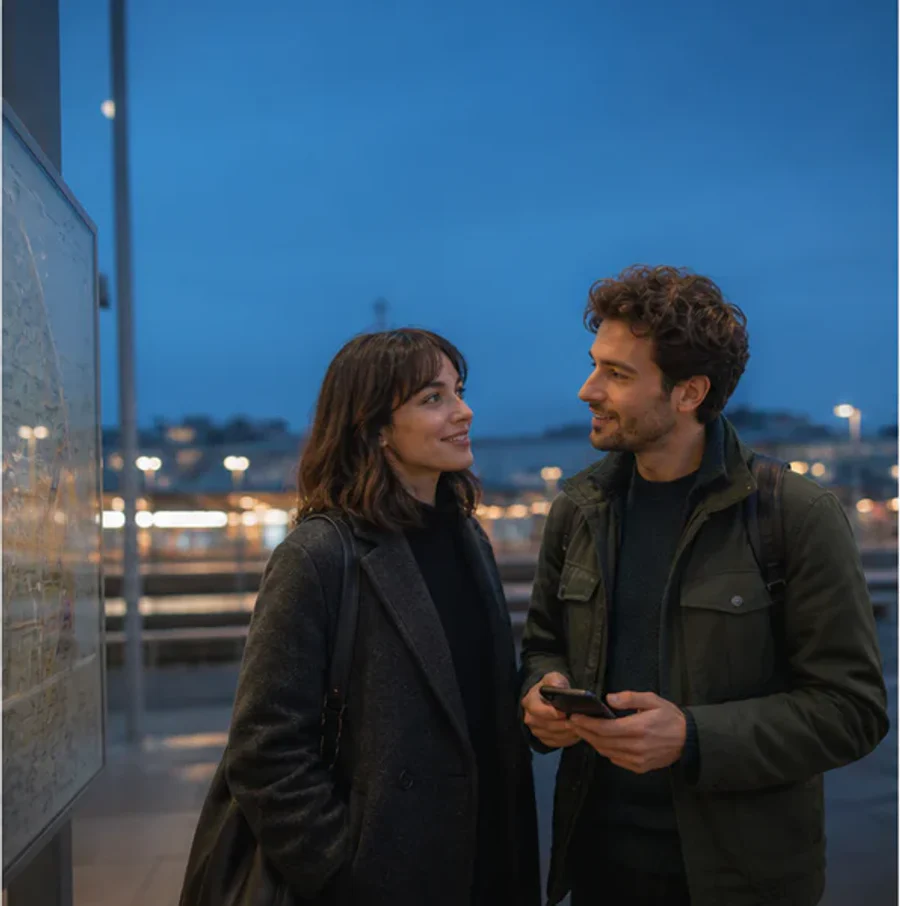 02Then we still have one route home.
Use the next message for a decision, correction, question or useful piece of information.
 03Meet me beside platform four.
Stop after the final message resolves the task, joke or story instead of filling empty space.
The text message bubble generator applies the same controls to fiction, tutorials and support.
01Give every character message one decision, then stop when the story beat lands.
Build this sequence 02
02Keep one action in each message and end with the expected result.
Build this sequence 03
03Remove private details from the message, explain the cause and prove the fix worked.
Build this sequenceChoose a ratio before the text message bubble generator arranges the conversation.
 1:1 / Social postDraft ready.Reviewing now.2 turns / feed readyEditable PNG01 / 1:1
Keep one message exchange balanced for feed delivery.
Create this ratio 4:5 / Tutorial cardWhich edge?Turn blue once.Done.3 turns / lesson readyEditable PNG02 / 4:5
Stack question, action and result in a portrait card.
Create this ratio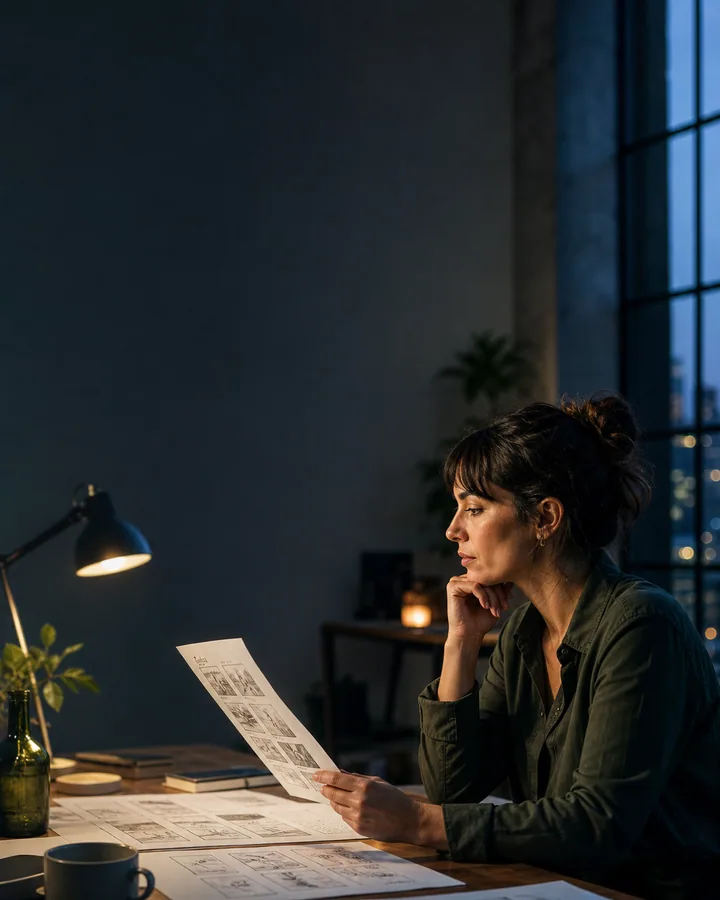 9:16 / Vertical storyOne scene remains.Keep it quiet.End on the light.Safe zones / story readyEditable PNG03 / 9:16
Protect mobile safe zones as each message moves down the canvas.
Create this ratio 16:9 / PresentationLead with the decision.Show the action.2 turns / slide readyEditable PNG04 / 16:9
Use two wide turns for slides and teaching screens.
Create this ratioThe text message bubble generator keeps speakers, colors and scenes original.

Move the message into comic, animation or multi-bubble production.
Bring one exchange, inspect the editable result and export a clean PNG before choosing a plan.
Add the speakers and three useful turns.
Source ready
Confirm order, spacing and ownership.
Checks passedDownload one original image without an account.
PNG readyPractical answers about editing, output ratios, privacy boundaries and clean PNG delivery.
No. The tool deliberately avoids official colors, device chrome, notification bars, logos and platform-specific interface details.
The focused builder supports up to eight left or right messages in one exported conversation graphic.
Choose square, 4:5 portrait, 9:16 story or 16:9 wide. The messages are redrawn for the selected canvas.
Use Copy image in browsers that support PNG clipboard writes. Download PNG remains available when clipboard access is blocked.
Yes. Names and timestamps are independent controls, so the graphic can read like dialogue instead of a chat log.
No. The focused builder works without signing in, and copied or downloaded PNG files do not include a BubbleText watermark.
Establish the situation, let each reply change what the reader knows, and stop when the decision lands. Label fictional speakers and never present it as a real private exchange.
Yes. Put the customer question in one message and the next action in another. Remove personal data and choose 4:5 or 9:16 when the tutorial needs vertical room.
Choose Story before export. Keep the opening message below the top interface zone and leave lower breathing room for mobile layouts.