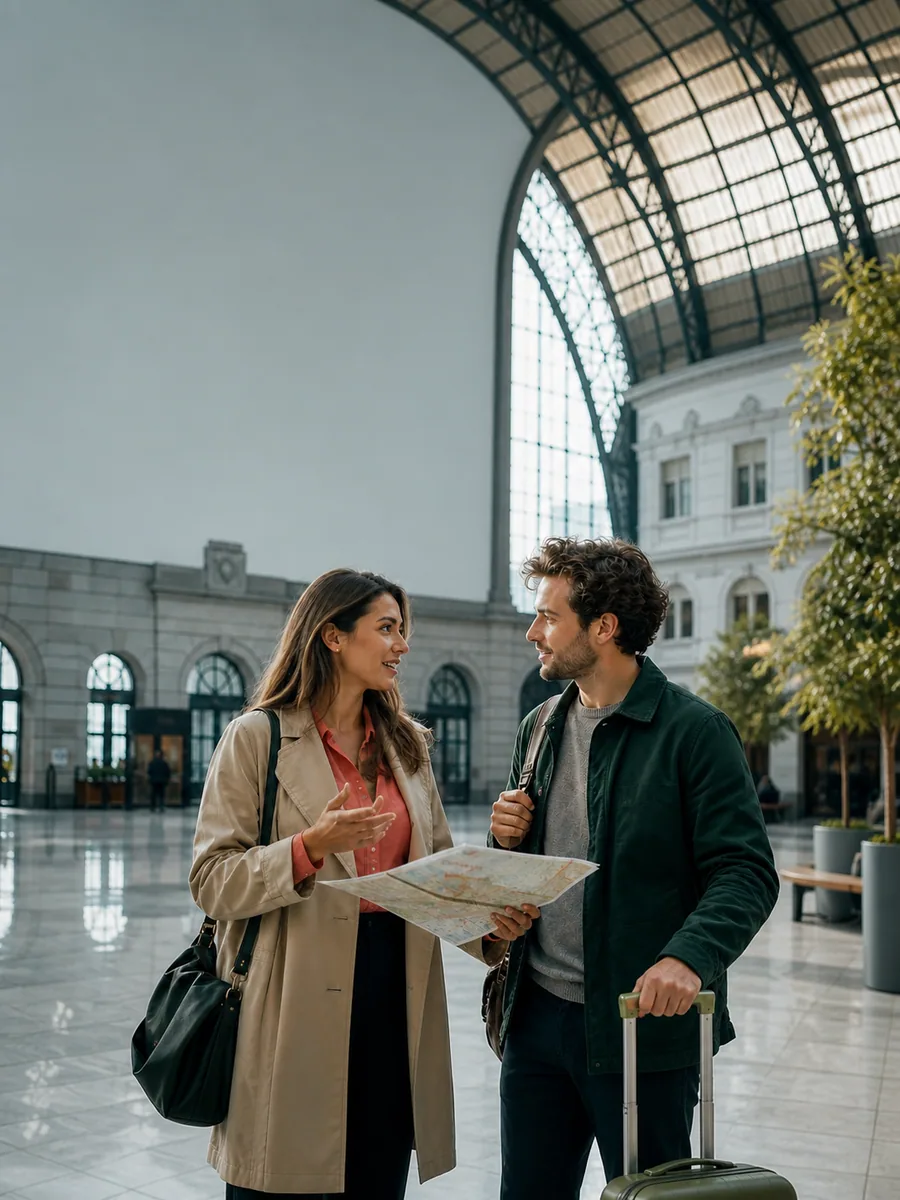
Speech bubble
Give a full sentence room to breathe and aim the movable tail at the active speaker.
Create this bubble style
Add multiple speech bubbles to a photo, comic or illustration while every bubble line remains movable and editable. Shape the dialogue, protect the image, confirm the reading order and export a clean PNG in your browser.
Choose a bubble form because it changes how the line is understood, not only how it looks. Each text bubble can keep its own shape, tail direction, typeface, colors and dimensions.
Give a full sentence room to breathe and aim the movable tail at the active speaker.
Create this bubble style
Keep a short response close to the second speaker without widening the whole dialogue layout.
Create this bubble style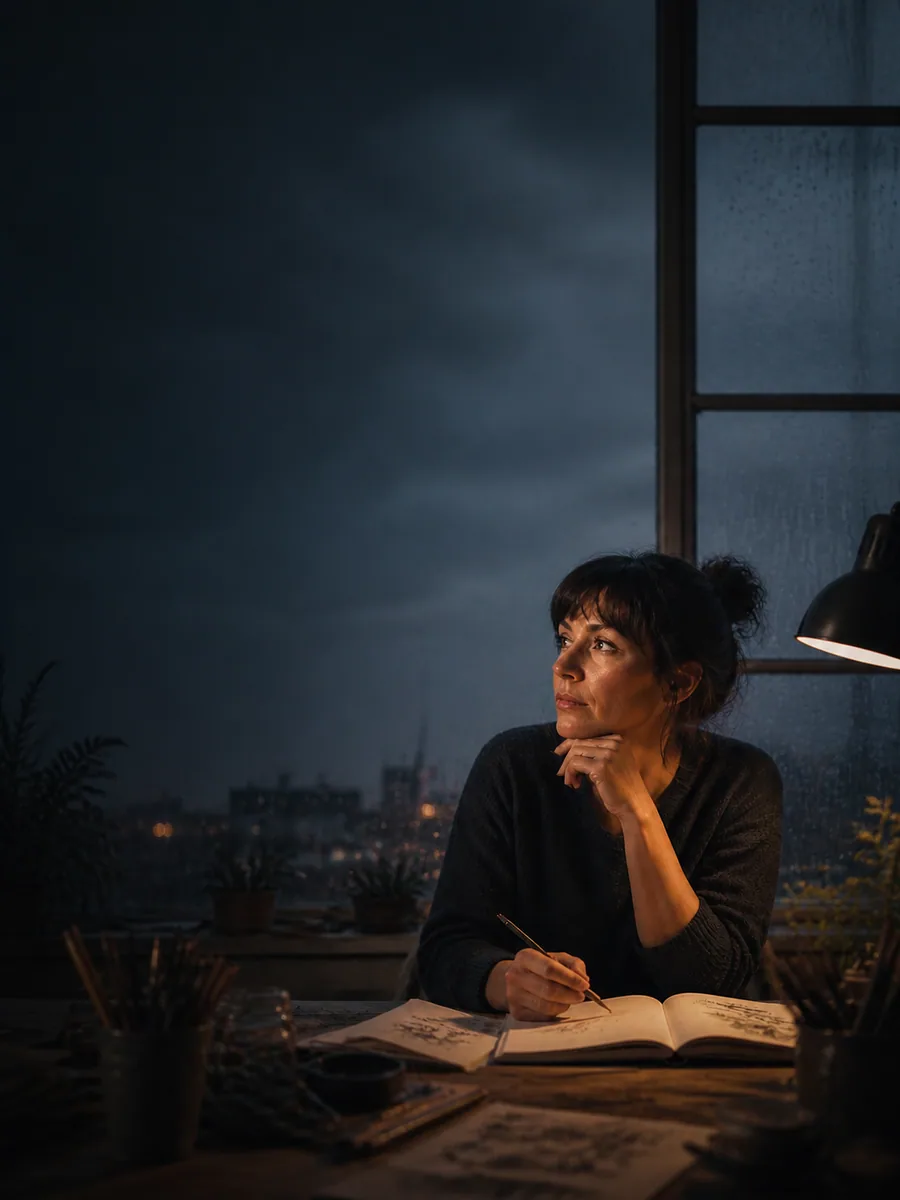
Separate private narration from spoken words while keeping the character and scene visible.
Create this bubble style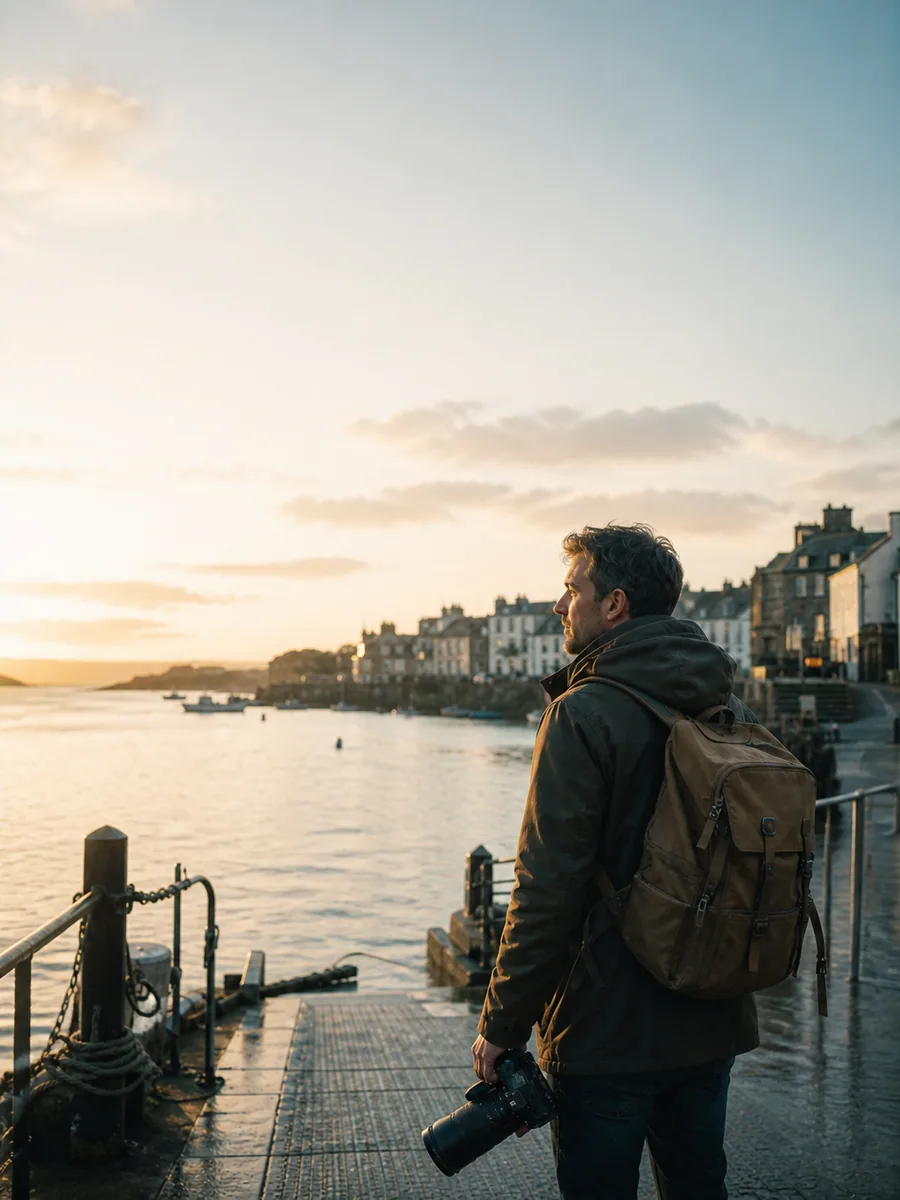
Mark time, location or an off-panel voice with a stable rectangular story label.
Create this bubble style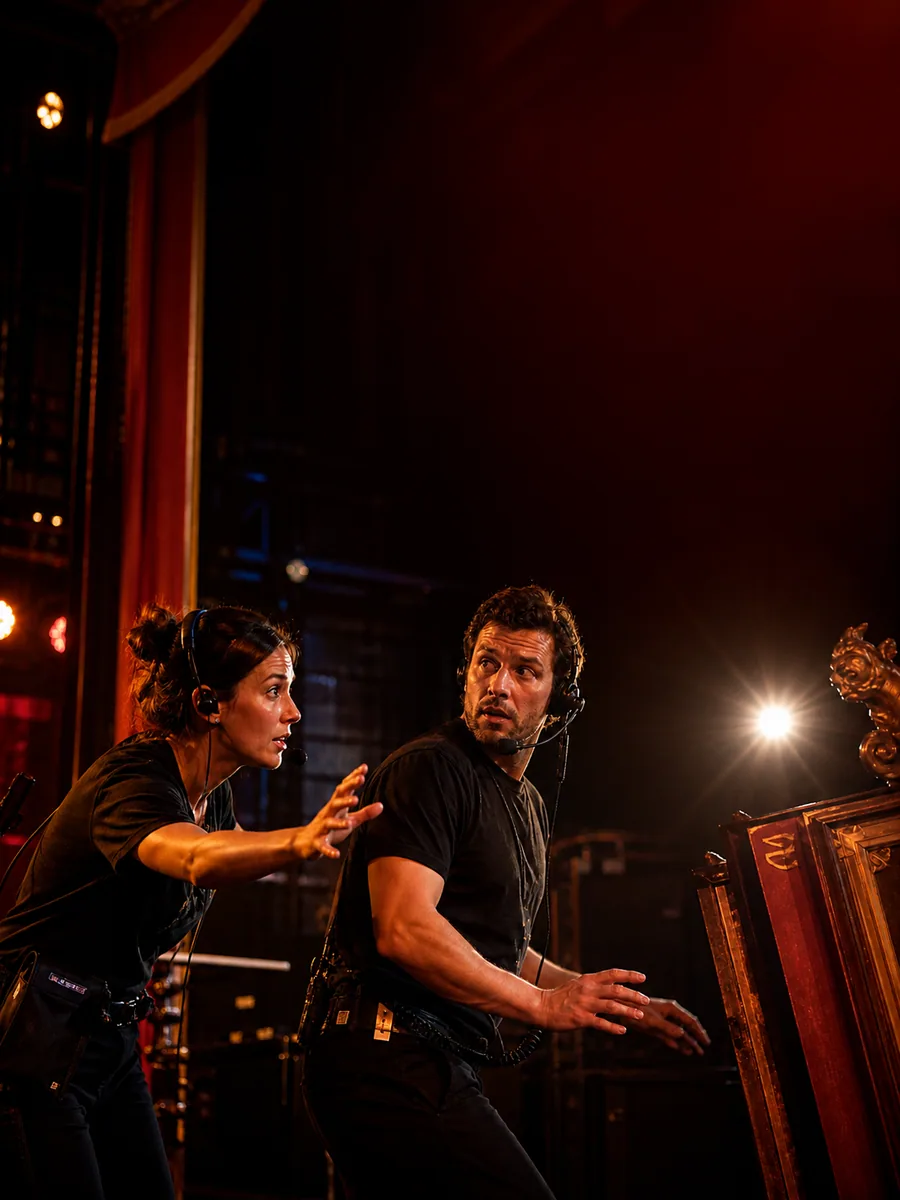
Use the sharp silhouette for a shout, alarm or sudden change that must interrupt the scene.
Create this bubble style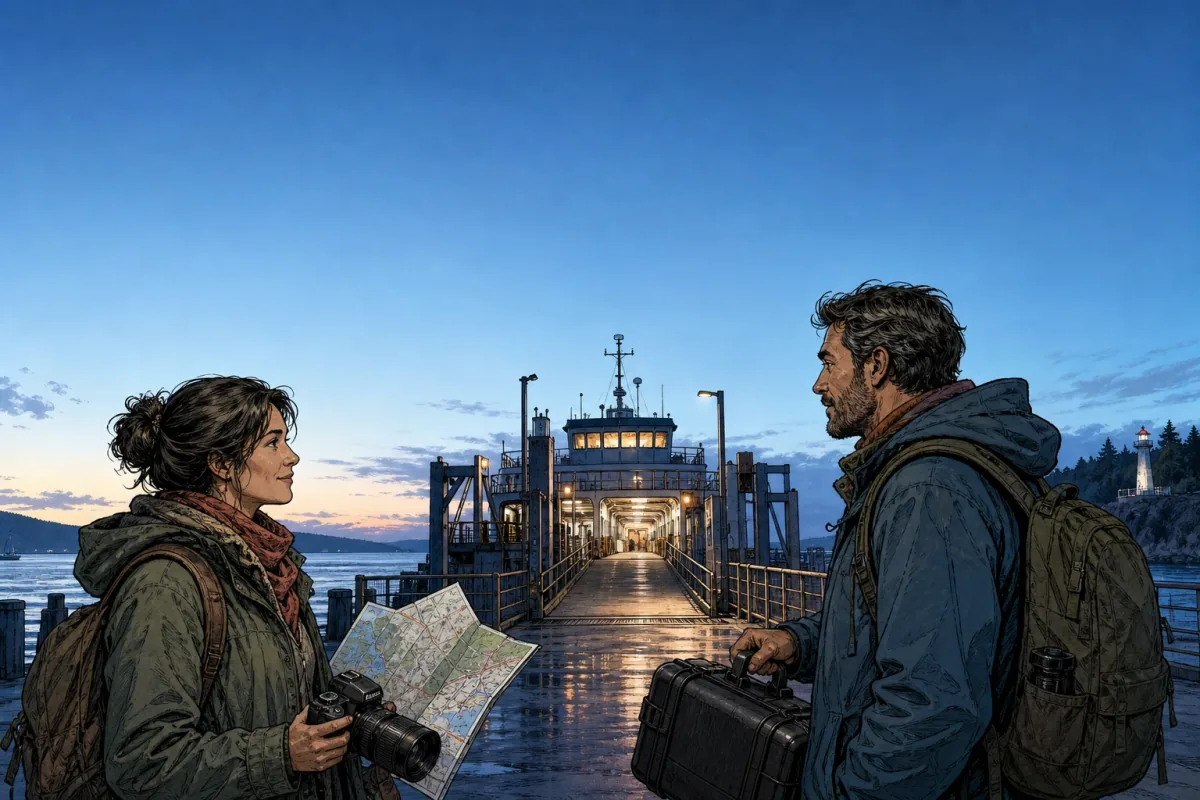
A useful bubble text generator must do more than place white shapes over a picture. Every bubble needs readable type, clear ownership and a route that does not cover the expressions, hands or object that make the scene worth keeping.
Use the open sky for each bubble while both speakers and the central ferry entrance remain visible.
The tail explains who owns the line without forcing the bubble onto the person's hair or face.
The final bubble leaves the eye near the illuminated gangway, which is the next story destination.
Reorder bubbles before export so the visual path follows the intended conversation, even after a line moves.

Shorten the line before shrinking type; one readable idea beats a crowded shape.

Use speech for spoken words, thought for private information and captions for scene context.
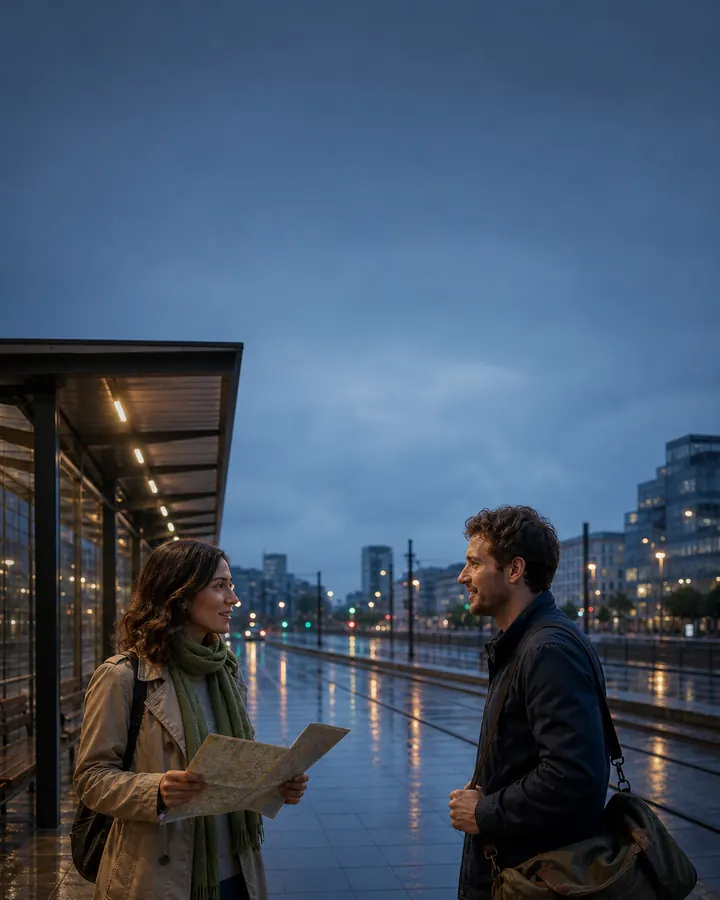
Move from the opening speaker to the reply without sending the eye backward.
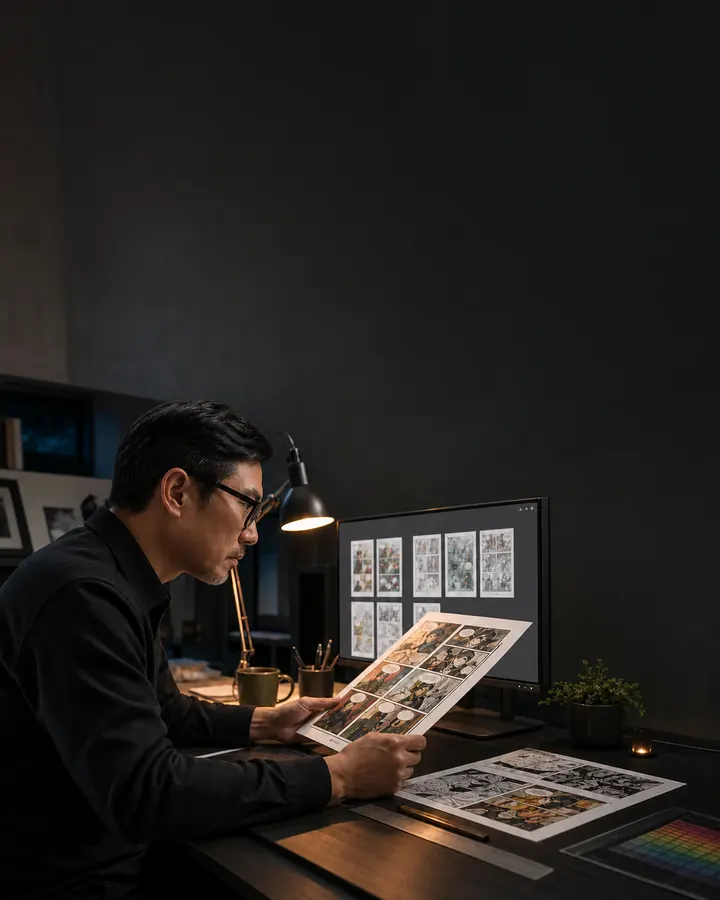
Review at output size. Export waits while any line overflows its bubble.
The same controls solve different jobs only when the layout responds to the source. Start from what the image needs to keep visible, then decide how much bubble dialogue the scene can support.
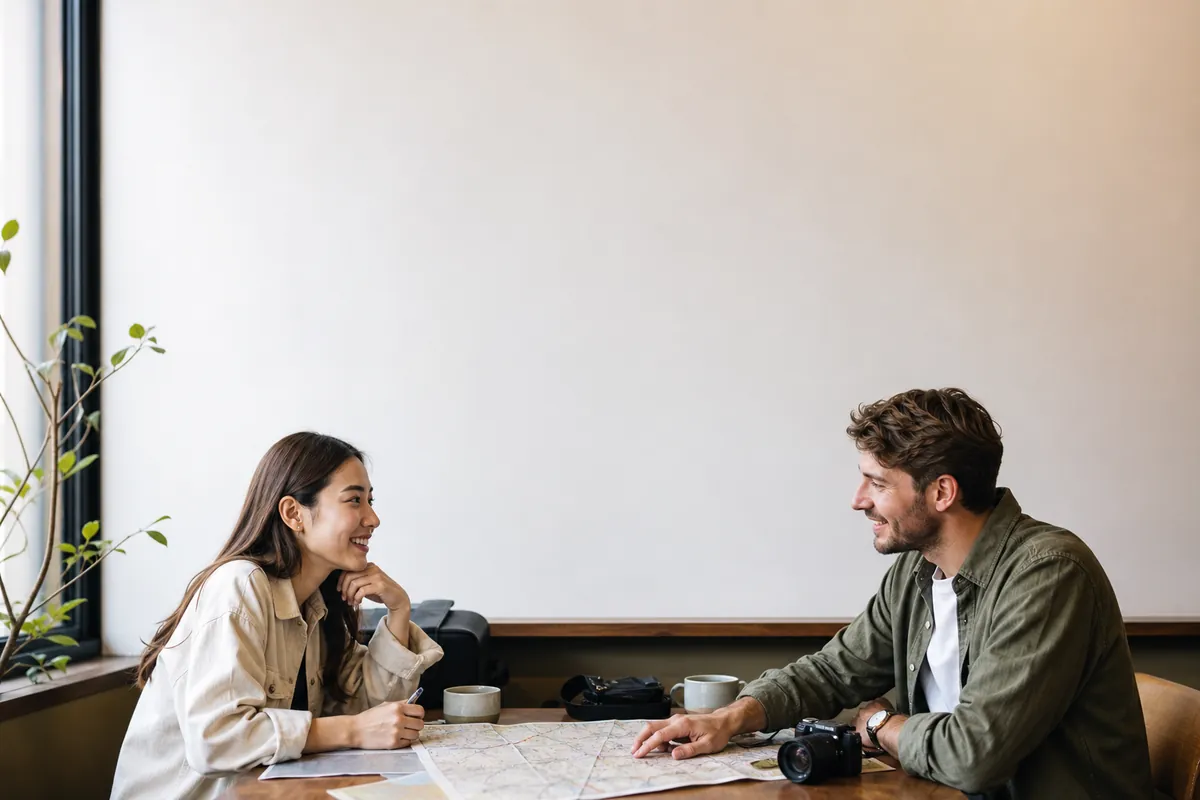
Place one opening line and one reply in existing negative space. Keep the people, product, location and original moment recognizable after the bubbles are added.
Test several speech and thought bubbles on a finished panel before moving to speaker mapping or a larger Auto Lettering production workflow.
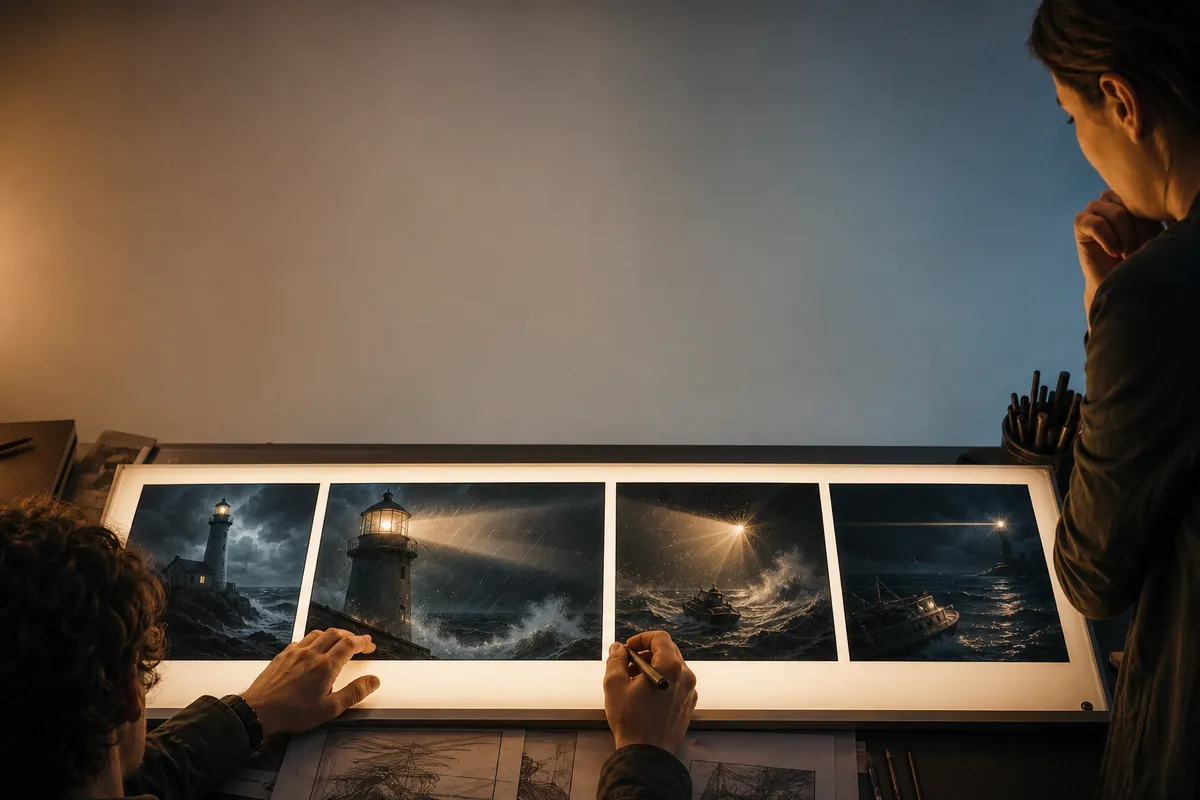
Use captions and burst bubbles to test narration, interruptions and sequence direction on an illustration before final lettering begins.
Continue with the focused tool for one photo, a neutral message exchange, character-linked comic dialogue or a reusable transparent PNG.
The focused text bubble maker is built for one finished PNG. Open the production editor when dialogue must stay connected across pages, characters, language versions, reviews and delivery formats.
Yes. The text bubble generator supports up to four independent bubbles. Each line keeps its own words, form, tail, size, color and position.
The selected PNG, JPEG or WebP file is decoded locally for this canvas. The focused composer does not need to upload the artwork to create the finished PNG.
Start near the speaker who opens the exchange, move the next bubble toward the replying speaker, then leave the final line near the next focal point. The numbered layer list can move any line earlier or later.
Yes. Open the composer, edit the starter scene or load your own image, and export one clean PNG. Sign in when you need saved projects, more pages, translation or production delivery formats.
Keep Auto fit enabled, enlarge the bubble with its resize handle, increase its height, or shorten the sentence. Export is blocked when a line still does not fit, so clipped dialogue is not delivered silently.
Selection handles and editing guides are rendered only on the working canvas. The export canvas redraws the artwork and bubbles without editor controls.
You can preserve the source aspect ratio or switch to landscape, square and portrait output. Show all keeps the entire image visible; Fill canvas crops it to the chosen format.
Use the production editor for saved multi-page projects, speaker mapping, Auto Lettering, version history, review links, Project Preflight, localization, SVG, PDF or batch ZIP delivery.